Is the whole connection offline?
Yes: check broadband down, router lights and full fibre ONT lights. No: continue to Wi‑Fi and speed checks.
Connection checksBroadband troubleshooting starts by matching the symptom to the right test. Diagnose slow broadband, unstable Wi‑Fi, packet loss, gaming lag and streaming buffering without changing unrelated settings.
Broadband Issue Hub
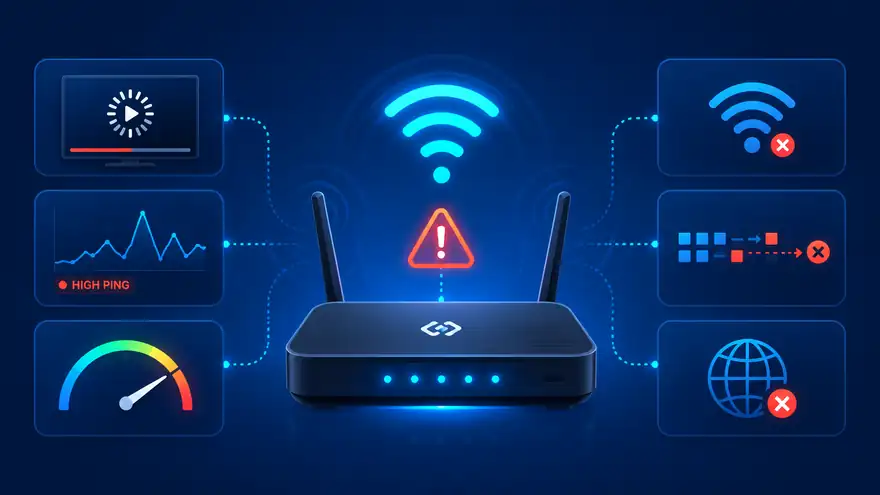
Speed matters, but reliability matters too. Use this hub to diagnose dropouts, unstable Wi‑Fi, packet loss, lag spikes and buffering, then run a LinkSpeed test to check download speed, upload speed, ping and jitter.
Start here
Pick one of the three simple routes first. This keeps the hub useful for non-technical users before they scan the full troubleshooting guide list below.
Quick diagnostic route
Yes: check broadband down, router lights and full fibre ONT lights. No: continue to Wi‑Fi and speed checks.
Connection checksYes: test near the router, compare rooms and check router position. No: test speed and upload on more than one device.
Wi‑Fi checksYes: check ping, jitter, packet loss and loaded latency. No: follow the slow broadband or streaming route.
Latency checksYes: check bufferbloat and router queueing. No: check device, router or provider-specific faults.
Bufferbloat checksPick the closest broadband issue below. This hub is deliberately issue-led; each guide page then uses a consistent symptoms, causes, validation and resolution structure.

Your device shows Wi‑Fi bars, but websites, apps or streaming still will not load.
Open guide
No internet on several devices, router status looks wrong, or the whole connection appears offline.
Open guide
Random disconnects, router drops or devices going offline.
Open guide
Weak wireless signal, interference or room-by-room problems.
Open guide
Router placement, cupboards, TVs, corners or low positions may be weakening Wi‑Fi before it reaches rooms.
Open guide
Brick, concrete, foil insulation, floors or metal objects may be causing weak rooms and dead zones.
Open guide
The whole connection cuts out, router lights change or wired and wireless devices drop together.
Open guide
Everything feels worse in the evening, especially streaming, gaming or large downloads.
Open guide
Games stutter, calls glitch, streams pause or devices briefly lose data despite decent speed.
Open guide
Sudden ping jumps during gaming, calls or streaming.
Open guide
Ping spikes, calls break up or games lag when another device downloads or uploads (bufferbloat).
Open guide
Games, calls or remote work feel delayed even when download speed looks fine.
Open guide
Calls stutter, games feel inconsistent or streaming pauses despite decent speed.
Open guide
Fix work-from-home freezing, broken audio and screen sharing drops on company VPNs or home Wi‑Fi.
Open guide
Stop audio lag, pixelated video and disconnects during calls, online classes or freelance sessions.
Open guide
See what ping, jitter, packet loss and loaded latency ranges are good for PS5, Xbox, PC and cloud gaming.
Open guide
Work out whether gaming lag is caused by Wi‑Fi, server region, packet loss, upload saturation or router load.
Open guide
5G speed looks good but ping, jitter, packet loss or peak-time mast load makes games and calls feel unstable.
Open guide
Console Wi‑Fi, high ping and online gaming problems.
Open guide
Xbox games lag, downloads interfere with play or the console performs worse on Wi‑Fi.
Open guide
Online games respond late, rubber-band or feel worse during peak times.
Open guide
Lag improves on Ethernet or when other devices stop using the connection.
Open guide
Pages load slowly, downloads underperform or several devices feel sluggish at the same time.
Open guide
Video calls, backups, file sending or livestreams struggle even when download speed looks fine.
Open guide
Streaming pauses, quality drops or slow loading.
Open guide
Videos start slowly, drop quality, buffer on one device or struggle in the evening.
Open guide
iPlayer pauses, freezes, drops quality or struggles more on TVs, Wi‑Fi or during evening viewing.
Open guide
One room, device or wireless connection is much slower than the rest of the home.
Open guide
Speed, upload, ping and jitter results do not clearly explain the problem.
Open guide
One phone, laptop, TV or console is much slower than the rest of the home.
Open guide
Old hardware, overheating, weak Wi‑Fi or poor loaded latency may be holding the connection back.
Open guide
Some sites fail, apps still work, or the browser says DNS or connection errors.
Open guide
LOS, PON, optical or service lights suggest the fibre box may be part of the problem.
Open guideRetest after fixing
Run another LinkSpeed test after making changes so you can check whether download speed, upload speed, ping and jitter improved.
Internet Quality
Troubleshooting stays focused on symptoms and fixes. Metric explainers and specialist tests now sit in the Internet Quality hub, so users can understand ping, loaded latency and bufferbloat without cluttering the issue picker.
Understand latency, good ping ranges and why a fast connection can still feel delayed.
Open Internet Quality guide
See why calls, games and browsing can lag when downloads, uploads or other devices are active.
Open Internet Quality guide
Learn how excessive queueing causes ping spikes when the line is busy, and when a bufferbloat test helps.
Open Internet Quality guide
View ping, jitter, packet loss, loaded latency and bufferbloat guides in one dedicated section.
View hubTroubleshooting FAQs
Choose the guide that matches the symptom you notice first. Start with slow internet if everything feels sluggish, Wi‑Fi unstable if only wireless devices are affected, and packet loss or lag spikes if games and calls break up.
Use the Wi‑Fi guide when one room or one device is worse than the rest. Use the slow broadband guide when the whole connection feels poor across several devices.
Gaming lag and broken calls are usually latency, jitter, packet loss or bufferbloat issues. Use the high ping, lag spikes, packet loss or bufferbloat guides rather than only checking headline download speed.
Use the Netflix or YouTube buffering guides when the issue is mainly streaming pauses, slow starts, quality drops or buffering on a TV, streaming stick, console or mobile device.
Useful next check
The fastest route through troubleshooting is to identify whether the fault affects every device, only Wi-Fi, only one service or mainly busy periods.