What Is Packet Loss?
Packet loss happens when internet requests fail to reach their destination or do not return in time. Even a small amount can make games rubber-band, video calls freeze, voice chat cut out and remote work tools reconnect.
Recommended tests
Separate packet loss from high ping and congestion
A second test helps show whether the fault is dropped requests, unstable latency or queueing when the connection is busy.
Test setup
ReadyHow are you testing today?
Choose the connection used by this device. The measurement method stays the same; this only tailors the diagnosis.
Before You Start
Prepare for a useful result
- Pause downloads and backups.
- Disconnect VPNs and proxies.
- Compare Wi-Fi with Ethernet.
Anonymous measurement: a completed result may contribute to LinkSpeed's separate UK browser-request reliability dataset. The stored summary does not include your IP address; broad provider, city and connection-type context may be retained for aggregate reporting.
Ready to test0 / 50
- 50
- HTTPS requests
- 1.8 s
- Request timeout
- 2 runs
- Wi‑Fi then Ethernet
Recommended next step
Run the test to unlock a targeted fix
Your result will point you to the most useful Wi‑Fi, router or provider troubleshooting path.
Understand Packet Loss
Loss detected in browser
Please verify the result below
Run the command-line check for 30 seconds, then press Ctrl+C. If both tests show loss, investigate the router, cable or broadband line.
Go to the command-line check
% request loss
successful
failed
avg response
Run the test to rate the result and highlight the matching grade band below.
Live response graph
See response time, late requests and failures as the test runs
Average latency--
Average jitter--
Late responses--
Failed requests--
The live response graph will appear here
as the test progresses.
Wired loss detected
Check for a better broadband connection
High or severe loss over Ethernet points away from local Wi‑Fi. Confirm the result, then check whether Full Fibre or alternative networks are available at your address.
How this test works
50 timed browser requests
The browser sends small HTTPS requests, records completed and timed-out responses, then calculates request loss and a grade.
SendWaitRepeatGrade
Accuracy note: This is a browser-to-Cloudflare request-loss estimate using repeated HTTPS requests. It is not a raw ICMP or UDP packet-loss measurement to your game server, workplace or broadband provider.
Understand the score
Packet Loss Grade Bands
Zero failed requests is the target. One failed request in this 50-request browser test equals 2%, so repeat the test and compare Wi‑Fi with Ethernet before treating a single run as proof of a line fault.
Read the result
Understand and fix packet loss
Use the wired comparison to separate local Wi‑Fi trouble from a router, cable or broadband-line problem. A browser test is most useful when repeated runs show the same pattern.
 Wi‑Fi signal and interference
 Upload saturation
 Router, cable or adapter faults
 Provider line or congestion
Hardware route
Better Hardware to Fix Wi‑Fi Packet Loss
A new router or mesh system is most relevant when packet loss appears over Wi‑Fi but repeated Ethernet tests remain clear. New hardware cannot repair an ISP line fault, so compare coverage, wired ports, QoS controls and ISP compatibility before buying.
Compare UK Routers & Mesh Kits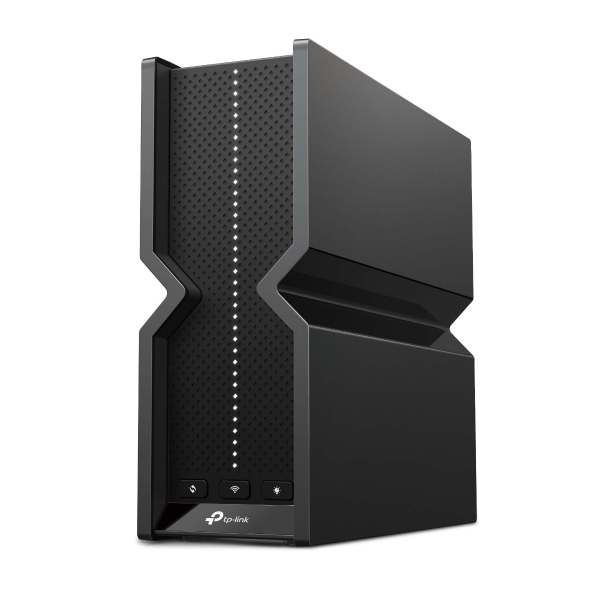
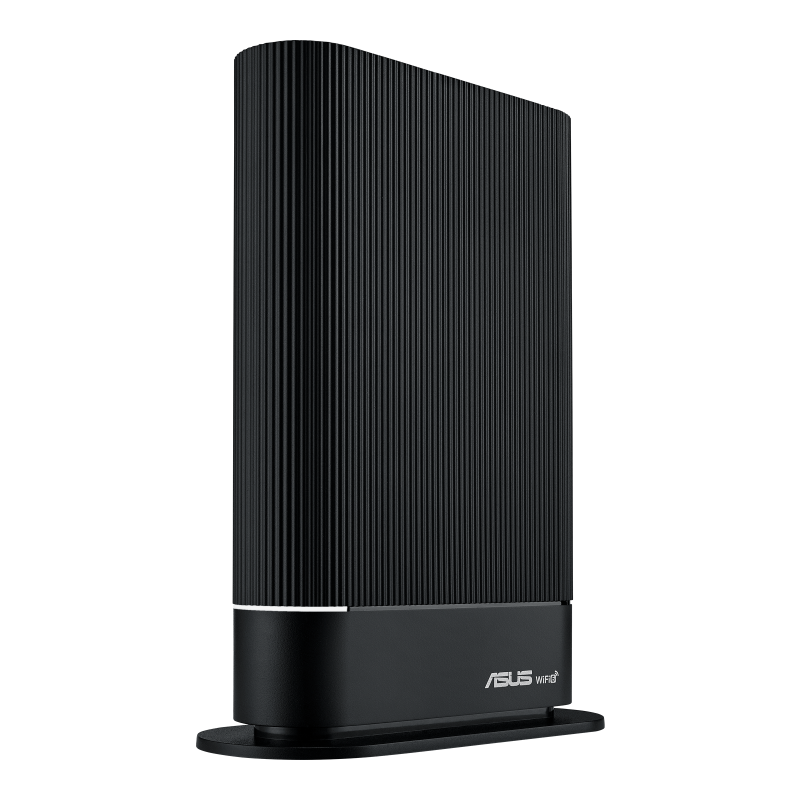
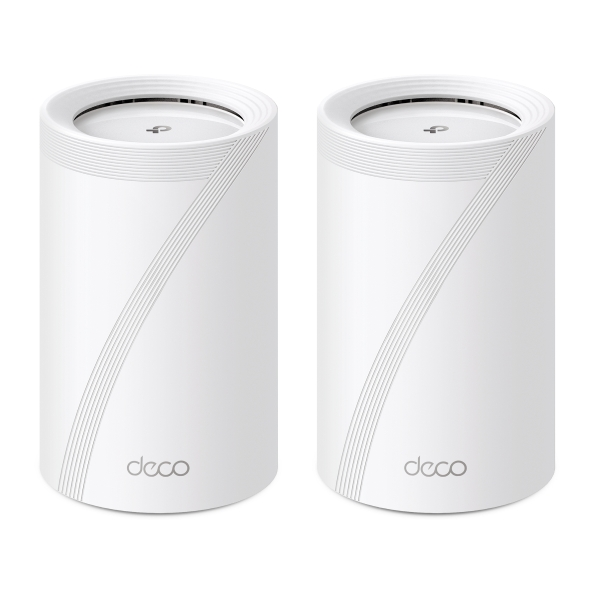
Affiliate disclosure: As an Amazon Associate, LinkSpeed earns from qualifying purchases.
Short Video Guide
See How to Test for Packet Loss
Watch the short LinkSpeed guide to see what packet loss means, how to run the test and how to compare Wi-Fi with Ethernet when requests are being lost.
Confirm the result Run a low-level packet loss check Loss detected in browser
A command-line ping can provide a longer ICMP sample. Run the matching command for around 30 seconds, press Ctrl+C, then compare the reported packet loss with the browser result.
Command Prompt
ping 8.8.8.8 -tTerminal
ping 8.8.8.8Detailed answers
Packet Loss Test FAQs
Use these answers to interpret the browser result, confirm it with a wired or command-line test and choose the right next step.
What is a packet loss test and how does it work?
A packet loss test checks how many requests or packets fail to reach a destination and return. This browser tool uses repeated HTTPS requests, while command-line tools normally use ICMP echo requests.
What is a good packet loss result?
Zero is the target for gaming, voice calls and video meetings. A single failed request should be retested because short browser samples can be affected by temporary Wi‑Fi interference, routing changes or device activity.
What are the symptoms of packet loss?
Packet loss can cause online games to rubber-band or ignore inputs, video calls to freeze, voice chat to sound broken, streams to reduce quality and remote desktop sessions to disconnect. File downloads may simply slow down because missing data has to be requested again.
What causes packet loss at home?
Common causes include weak or congested Wi‑Fi, upload saturation, faulty Ethernet cables, overloaded or ageing routers, powerline adapters, software or firmware problems and congestion within the broadband provider’s network. Compare Wi‑Fi with Ethernet to narrow down where the loss begins.
Is packet loss worse than high ping for gaming?
It can be. High ping adds delay, while packet loss can remove updates completely. That may cause rejected inputs, rubber-banding, missing voice audio or sudden reconnections even when the average ping looks acceptable.
Why does packet loss affect gaming and calls more than downloads?
Games, voice calls and live video need data to arrive quickly. A late or missing update may be useless, so loss appears as missing audio, frozen video or rubber-banding. File downloads normally detect missing data and resend it, which usually slows the transfer instead.
Can packet loss reduce broadband speed?
Yes. Reliable transfers may resend missing data and reduce their sending rate, lowering effective throughput even when the broadband package’s headline speed has not changed. Real-time applications may show glitches rather than waiting for every missing update.
Should I test over Wi‑Fi or Ethernet?
Run both when possible. A clear Ethernet result with a poor Wi‑Fi result points towards interference, weak signal, roaming or local wireless congestion. Repeated loss over Ethernet is stronger evidence of a router, cable or provider-line issue.
Why can packet loss results change between tests?
Results vary with Wi‑Fi conditions, household traffic, VPN use, device load, routing and provider congestion. Repeat the test at least twice and compare different times before drawing a conclusion.
Why should I repeat the test or run a longer check?
Short tests can miss intermittent problems that happen only every few minutes. Repeat the browser test at different times and use a longer command-line ping when the issue is occasional or appears only during busy periods.
Can a VPN fix packet loss?
A VPN may help when the loss is caused by a poor or congested route and the VPN sends traffic along a different path. It will not repair weak Wi‑Fi, a damaged cable, a faulty router or a broadband-line problem. Test with the VPN disconnected first.
Is zero packet loss possible?
Zero loss is the normal target for a short home broadband test, particularly for gaming and calls. No internet connection can guarantee that a packet will never be lost indefinitely, so repeat the test before treating one failed request as proof of a persistent fault.
How do you check packet loss using Command Prompt on Windows?
Run ping 8.8.8.8 -t in Command Prompt, allow it to run for around 30 seconds, then press Ctrl+C to see the sent, received and lost packet totals.
How do I reduce packet loss?
Test over Ethernet, pause uploads, restart the router, check cables and adapters, improve Wi‑Fi signal and compare daytime with evening results. Contact the provider when repeated wired tests continue to show loss.
Where can I learn more about packet loss?
This test helps you measure failed requests and identify likely causes. For a deeper explanation of how packet loss works and why it affects gaming, calls and streaming, read the full What Is Packet Loss guide.
Useful next check
Interpret the packet-loss result in context
Repeat the same test over Ethernet and Wi-Fi, then compare another device. That helps distinguish wireless loss, a client problem and a wider connection or route issue.