Bufferbloat grade
Waiting for a result
The largest rise in loaded latency determines the grade.
What does this grade mean?Run this browser-based fibre bufferbloat test to see whether full fibre, cable, FTTC, Wi-Fi or 5G stays responsive under load. It compares idle latency with download and upload latency, jitter and speed to expose queueing delay.
Fast full fibre can still lag when uploads, downloads, Wi-Fi traffic or router queues fill up. This live test compares quiet latency with loaded latency on FTTP, cable, FTTC, Wi-Fi and 5G connections.
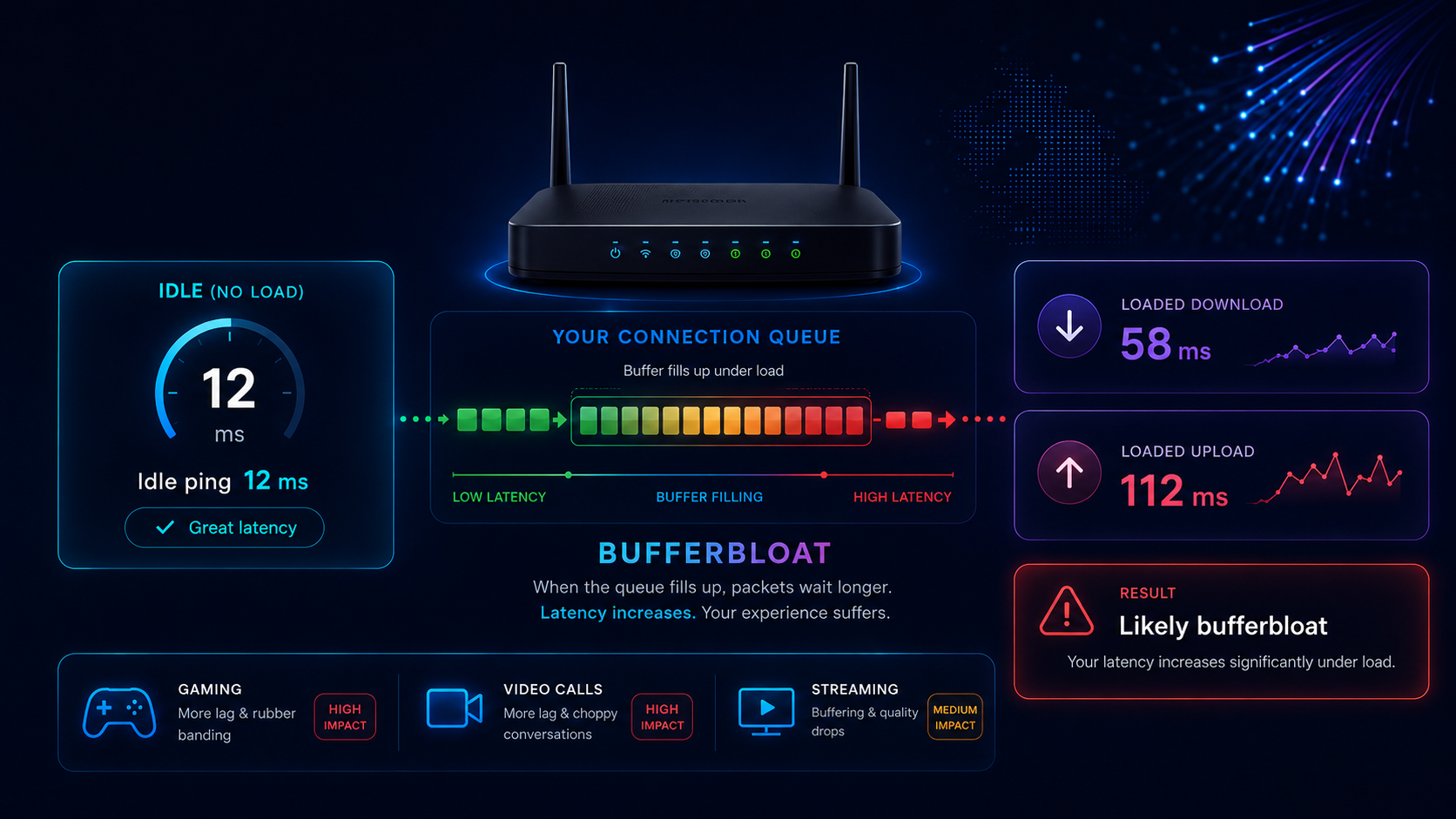
Test whether your fibre connection stays responsive while busy. LinkSpeed compares idle latency with download and upload latency to detect bufferbloat caused by router queues, Wi‑Fi or broadband congestion.
Choose the connection used by this device. The measurement method stays the same; this only tailors the diagnosis.
Before You Start
Test in progress
Checking browser support and selecting the nearest available route.
Test could not finish
Check the connection and try again.
Your live results
See the headline grade first, then compare unloaded latency with download and upload load before following the recommended next step.
Bufferbloat grade
The largest rise in loaded latency determines the grade.
What does this grade mean?Unloaded latency
—ms Baseline median with no active loadDownload active
—ms Added latency while downloadingUpload active
—ms Added latency while uploadingMeasured speed
Connection suitability under load
These estimates use this browser test only. A game server, video-call platform or streaming route may behave differently.
Latency distributions
Each strip shows the median, middle 50%, full measured range and individual browser latency samples.
Speed and accuracy note: results measure browser requests to Cloudflare, not ICMP ping to a game server or workplace. Browser handling, VPNs, security software, Wi‑Fi and internet routing can affect throughput and latency. Compare Ethernet and Wi‑Fi results and repeat the test at different times. The rise in latency under load is the main bufferbloat indicator.
Bufferbloat is excessive delay caused when a router or network link holds too much traffic in a queue. The connection can still show a fast download speed, but gaming, video calls and browsing become slow or erratic whenever downloads, uploads or backups fill that queue.
Understand the score
The worst median increase from the download or upload phase sets the grade. Jitter and 95th-percentile spikes are shown separately in the detailed results.
FTTP and gigabit connections
Full fibre broadband can still suffer from bufferbloat. FTTP removes the copper-line bottleneck, but queues can still build in the router, Wi-Fi connection, Ethernet interface or upload path. Run the test over Ethernet first, then repeat over Wi-Fi to identify where the additional delay begins.
Full fibre can deliver excellent quiet ping but still lag when uploads, downloads or Wi-Fi traffic fill a queue. Compare the upload and download loaded-latency results, then repeat over Ethernet. A good wired result points to Wi-Fi; a poor wired result points to router queue management or the broadband path.
How This Test Works
The browser records a quiet baseline, loads the download and upload paths, then compares median delay and high-percentile spikes. The largest increase determines the grade.
IdleDownloadUploadGrade

If the wired grade is good but Wi-Fi is poor, fix wireless interference, signal strength or access-point placement first.

CAKE and FQ-CoDel are designed to keep queueing delay controlled when the line is busy.
How to Fix Bufferbloat
Cloud backup, security cameras, file sync and livestreaming can fill a slower upstream path quickly.

On supported routers, set shaping slightly below the measured maximum so the managed queue remains the bottleneck.
Hardware route
A new router or mesh system is most useful after the wired comparison identifies where loaded latency begins. If Ethernet is also poor, prioritise effective SQM, QoS, CAKE or FQ-CoDel support. If Ethernet is good but Wi-Fi is poor, prioritise coverage and mesh placement instead.
Compare UK Routers & Mesh Kits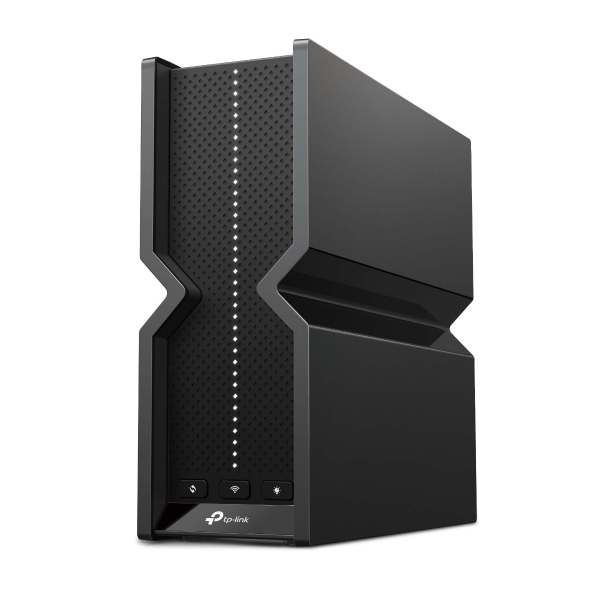 SQM / QoS route
Standalone router
Prioritise queue management, wired ports and multi-gig compatibility when Ethernet loaded latency is also poor.
SQM / QoS route
Standalone router
Prioritise queue management, wired ports and multi-gig compatibility when Ethernet loaded latency is also poor.
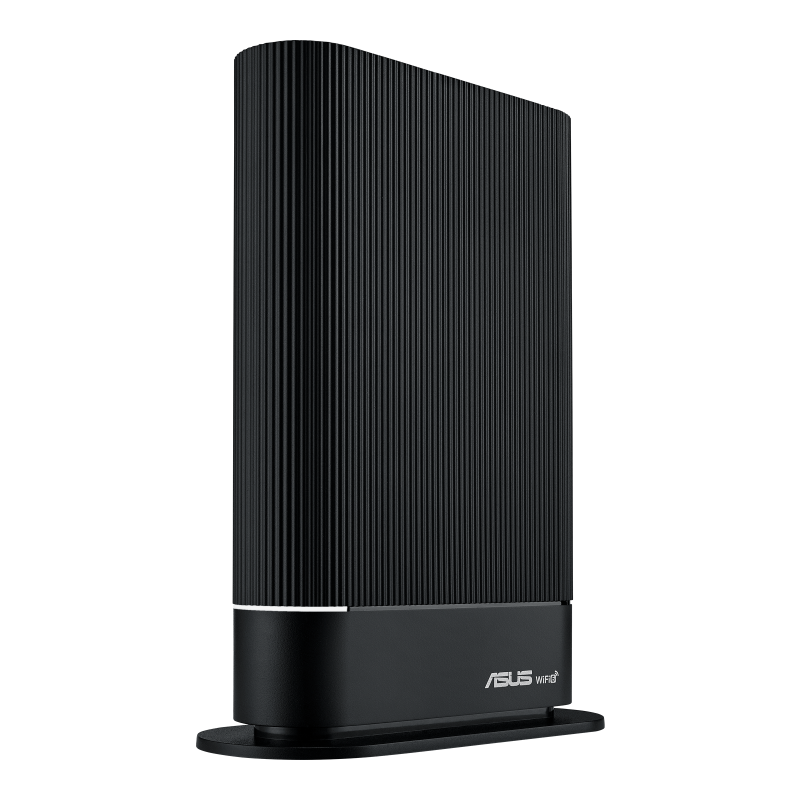 Value route
Replace the ISP hub
Check ISP compatibility and useful QoS controls before replacing otherwise working hardware.
Value route
Replace the ISP hub
Check ISP compatibility and useful QoS controls before replacing otherwise working hardware.
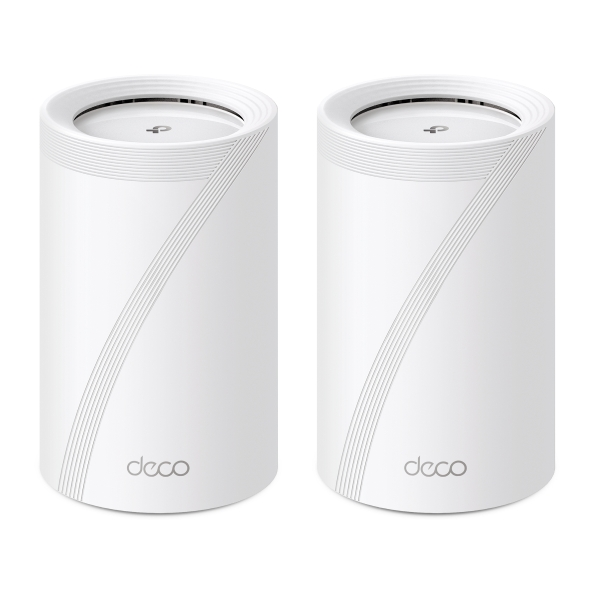 Coverage route
Whole-home mesh
Useful when Ethernet is good but Wi-Fi coverage, interference or roaming is adding loaded latency.
Coverage route
Whole-home mesh
Useful when Ethernet is good but Wi-Fi coverage, interference or roaming is adding loaded latency.
Affiliate disclosure: As an Amazon Associate, LinkSpeed earns from qualifying purchases.
Short Video Guide
Watch the short LinkSpeed guide to see what loaded latency means, how the test works and what to check if your ping rises while the connection is busy.
Focused answers
Use these answers to understand the test, verify a poor result and choose the correct fix.
Bufferbloat is excessive delay caused when a router, Wi-Fi link, modem or broadband bottleneck stores too much traffic in a queue. The connection may still look fast, but games, calls and browsing become slow when downloads or uploads fill that queue. For a deeper explanation, read What Is Bufferbloat?
The browser measures quiet latency, then continues sampling while Cloudflare download and upload traffic loads the connection. It compares the median increase, jitter and high-percentile spikes before assigning a grade based on the worst loaded phase.
A+ or A means loaded latency stayed close to the quiet baseline. B usually indicates mild delay. C, D or F means the connection becomes increasingly unresponsive under load and should be verified over Ethernet before changing settings or hardware.
Yes. FTTP removes the copper access-line bottleneck, but queues can still build in the router, Wi-Fi link, Ethernet interface or upload path. Compare Ethernet and Wi-Fi results to identify where the additional delay begins.
Yes. A full fibre line can have excellent quiet latency but still suffer high loaded latency when uploads, downloads, Wi-Fi or router queues become saturated. Test over Ethernet first, then repeat over Wi-Fi.
Run both when possible. Ethernet gives the clearest view of the router and broadband path, while Wi-Fi reflects the experience of the device you use. A poor Wi-Fi grade with a good wired grade points towards wireless conditions rather than line bufferbloat.
Repeat the test over Ethernet with other traffic paused. If the wired result remains poor, enable effective SQM or QoS, use CAKE or FQ-CoDel where supported, and shape upload and download slightly below the stable measured rates.
This test prioritises continuous latency sampling while generating load rather than chasing the highest possible throughput. Browser limits, VPNs, security software, Wi-Fi and routing can affect speed, so the rise in latency under load is the main result.