Loaded latency grade
Waiting for a result
The largest rise above idle latency determines the grade.
What does this grade mean?Run the browser test, compare idle ping with download-loaded and upload-loaded latency, understand the result and follow the recommended fix.
Loaded latency is the delay measured while downloads or uploads are actively using the connection. Compare it with idle latency to see whether gaming, calls and browsing remain responsive when broadband is busy.

Recommended tests
Use the full Bufferbloat Test for a grade and detailed loaded-latency evidence, then compare packet loss and idle ping.
RUN LOADED LATENCY TEST
Measures idle, download and upload latency in around 20 seconds.
This only tailors the diagnosis. The loaded-latency measurement itself is unchanged.
Anonymous measurement: completed results help build LinkSpeed's UK broadband performance dataset. The stored test summary does not include your IP address; broad provider and city context may be retained for aggregate benchmarks.
Before You Start
Test in progress
Checking browser support and selecting the nearest available route.
Test could not finish
Check the connection and try again.
Your live results
See the headline grade first, then compare unloaded latency with download and upload load before following the recommended next step.
Headline result
Your connection result will appear here.
Loaded latency grade
The largest rise above idle latency determines the grade.
What does this grade mean?Unloaded latency
—ms Baseline median with no active loadDownload active
—ms Added latency while downloadingUpload active
—ms Added latency while uploadingMeasured speed
Connection suitability under load
Latency distributions
Each strip shows the median, middle 50%, full measured range and individual browser latency samples.
Speed and accuracy note: results measure browser requests to Cloudflare, not ICMP ping to a game server or workplace. Browser handling, VPNs, security software, Wi-Fi and internet routing can affect throughput and latency. Compare Ethernet and Wi-Fi results and repeat the test at different times. A large rise is evidence of queueing somewhere on the path, not proof that the ISP alone is responsible.
Understand the score
The worst median increase from the download or upload phase sets the grade. Jitter and 95th-percentile spikes are shown separately in the detailed results.
How This Test Works
The browser records a quiet baseline, loads the download and upload paths, then compares median delay and high-percentile spikes. The largest increase determines the grade.
IdleDownloadUploadGrade
Short Video Guide
Watch the LinkSpeed guide to see why fast broadband can still lag when the line is busy, how the test compares idle, download-loaded and upload-loaded latency, and what to check when delay rises under load.
Measurement vs cause
Loaded latency is the measurement. Bufferbloat is one possible cause of a large increase. A browser test includes the device, Wi-Fi or Ethernet link, router, broadband access network, internet route and the Cloudflare test endpoint.
A large increase therefore shows that queueing is happening somewhere between the browser and the endpoint. Repeat the test over Ethernet before treating a poor Wi-Fi result as router or ISP bufferbloat.
How we measure loaded latency
The test follows one continuous sequence: establish a quiet baseline, load the download path, load the upload path, then compare each loaded phase with the idle median.
12 browser HTTP request-latency samples establish the quiet baseline.
Four download workers load the route for about 7.5 seconds while latency continues to be sampled.
Four upload workers load the upstream for about 7.5 seconds while latency sampling continues.
The worst median increase above the idle median determines the loaded-latency grade.
The median is less distorted by one unusual request and better represents the typical response during each phase.
P95 exposes occasional lag spikes. The middle 50%, full range and individual samples show whether a good-looking median hides instability.
LinkSpeed times browser HTTP requests through Cloudflare's speed-test service. It is request round-trip time, not ICMP ping to a game server.
A 20 ms idle median rising to 75 ms under download load means about 55 ms of added delay.
Worked result
Interpretation: download behaviour is good, but a busy upstream adds substantial delay. Cloud backups, CCTV uploads, file synchronisation or livestreaming could therefore make gaming and video calls lag.
Next step: repeat over Ethernet, then test SQM/QoS and upstream shaping slightly below the stable measured line rate before replacing hardware.
Validation and repeatability
Small differences between test runs are normal. Loaded latency changes with the route, test duration, browser behaviour, background traffic and the way a connection is placed under load.
For a fair comparison, use the same device and connection type. Repeat a poor result over Ethernet and at a different time of day before drawing conclusions.
UK interpretation
These are tendencies rather than guarantees. Router behaviour, package shaping, Wi-Fi and local congestion can matter as much as the access technology.
Idle latency is often low, but router or upstream queues can still cause a large rise under load.
The upstream is relatively constrained on many packages, so uploads can saturate the line and expose queueing quickly.
Shared capacity, upstream limits and queue management can all affect responsiveness when the connection is busy.
Radio scheduling, signal changes and mast load can make latency under load more variable between runs.
Radio and path variability make repeated tests particularly important before attributing the result to one device.

If the wired grade is good but Wi-Fi is poor, fix wireless interference, signal strength or access-point placement first.
CAKE and FQ-CoDel are designed to keep queueing delay controlled when the line is busy.
How to Fix Bufferbloat
Cloud backup, security cameras, file sync and livestreaming can fill a slower upstream path quickly.

On supported routers, set shaping slightly below the measured maximum so the managed queue remains the bottleneck.
Hardware route
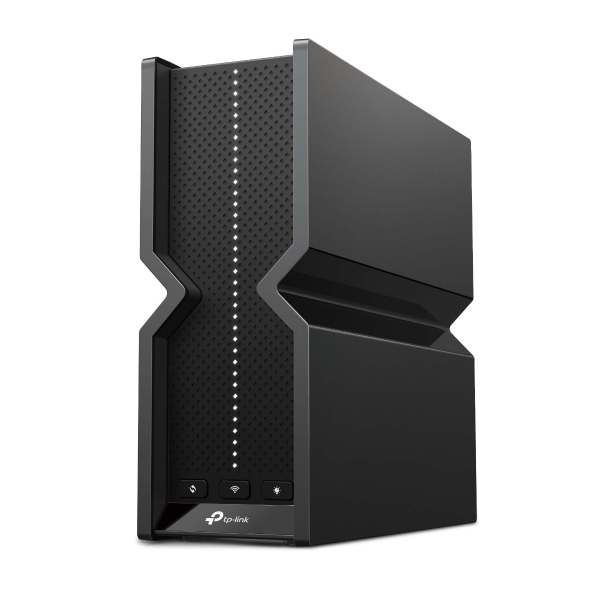
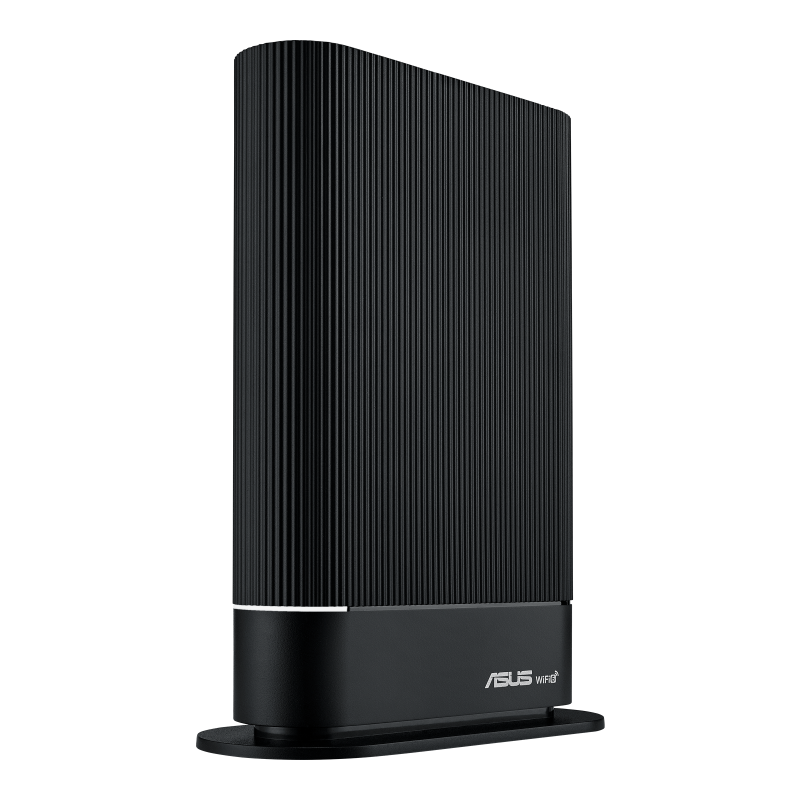
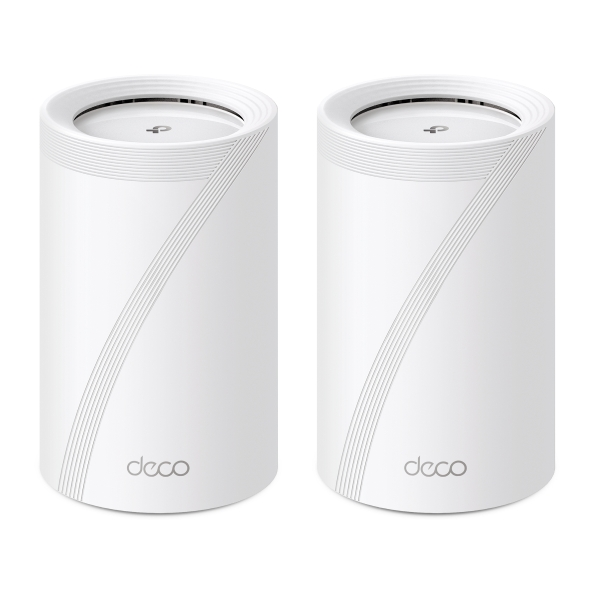
New equipment is most useful after comparing Wi-Fi with Ethernet. Choose coverage hardware for a wireless-only problem, or prioritise SQM, QoS, CAKE or FQ-CoDel when poor loaded latency remains over Ethernet.
Affiliate disclosure: As an Amazon Associate, LinkSpeed earns from qualifying purchases.
Detailed answers
Use these answers to understand loaded latency, interpret the grade and decide whether Wi-Fi, router settings, traffic control or replacement hardware is the right next step.
Loaded latency is the delay measured while downloads or uploads are actively using the connection. Compare it with the quiet or unloaded baseline to see how much responsiveness changes when broadband is busy. A large increase can indicate queueing, but repeat over Ethernet before deciding whether Wi-Fi, the router or the broadband path is responsible.
Normal or unloaded ping measures response time while the connection is relatively quiet. Loaded latency measures response time while download or upload traffic is deliberately filling the connection. The difference between the two is the added latency under load and is a useful measure of responsiveness.
A common sign is low ping when the connection is quiet followed by a large rise while somebody downloads, uploads, streams or backs up files. Run this test over Ethernet and Wi-Fi, compare the loaded-latency increase with the unloaded baseline, and repeat it at a busy time before changing settings or hardware.
Bufferbloat appears when a network link becomes saturated and equipment stores packets for too long instead of managing the queue efficiently. Upload saturation is a common trigger because many UK broadband packages have much less upload capacity than download capacity, although download queues and congested Wi-Fi can cause it too.
The test records browser request latency while the connection is quiet, then continues sampling latency while Cloudflare download and upload traffic loads the line. It reports the median increase, jitter, high-percentile spikes, throughput and a grade based on the worst loaded-latency phase.
Games need consistently low latency rather than download speed alone. Bufferbloat can make ping jump when another device starts streaming, uploading photos or downloading an update, causing delayed controls, rubber-banding, hit-registration problems and voice-chat disruption.
Yes. Video calls can freeze or lose audio, web pages and DNS lookups can feel slow, and streams may take longer to start when a queue is full. Streaming video often continues because it can buffer ahead, but interactive controls and other devices on the network may still become unresponsive.
A+ or A means loaded latency stayed close to the unloaded baseline. B is usually usable but may be noticeable in competitive gaming. C, D or F means the connection becomes progressively less responsive under load and should be retested over Ethernet before settings or hardware are changed.
Yes. Fast FTTP removes many bandwidth limits but does not guarantee good queue management. A router, Wi-Fi link, Ethernet bottleneck or asymmetric upload path can still build a queue and add substantial delay when traffic reaches the available line rate.
First repeat the test over Ethernet and stop background uploads. If the wired result remains poor, enable Smart Queue Management or suitable QoS, use CAKE or FQ-CoDel where available, and shape download and upload slightly below the stable measured rate so the managed router controls the queue.
No. More bandwidth may make saturation less frequent, but it does not correct poor queue management. A replacement router is useful when the current ISP hub cannot provide effective SQM, QoS or bandwidth shaping; choose by queue-management features and ISP compatibility rather than headline Wi-Fi speed alone.
Run both when possible. Ethernet provides the clearest view of the router and broadband path, while Wi-Fi shows the experience of the device you actually use. A poor Wi-Fi grade with a good wired grade points towards wireless interference, signal strength or contention rather than broadband-line bufferbloat.
Results vary with household traffic, Wi-Fi conditions, VPN use, device performance, ISP congestion and the route to the test service. Repeat the test at least twice, compare wired and wireless runs, and test again at a busy time before replacing equipment.
This test prioritises continuous latency sampling while generating load rather than chasing the highest possible benchmark number. Browser connection limits, VPNs, security software and the route to Cloudflare can affect throughput, so the rise in latency under load is the main result.