Phone works but the TV fails
Focus on the TV app, device storage, firmware or the Wi‑Fi signal behind the screen. Do not upgrade broadband yet.
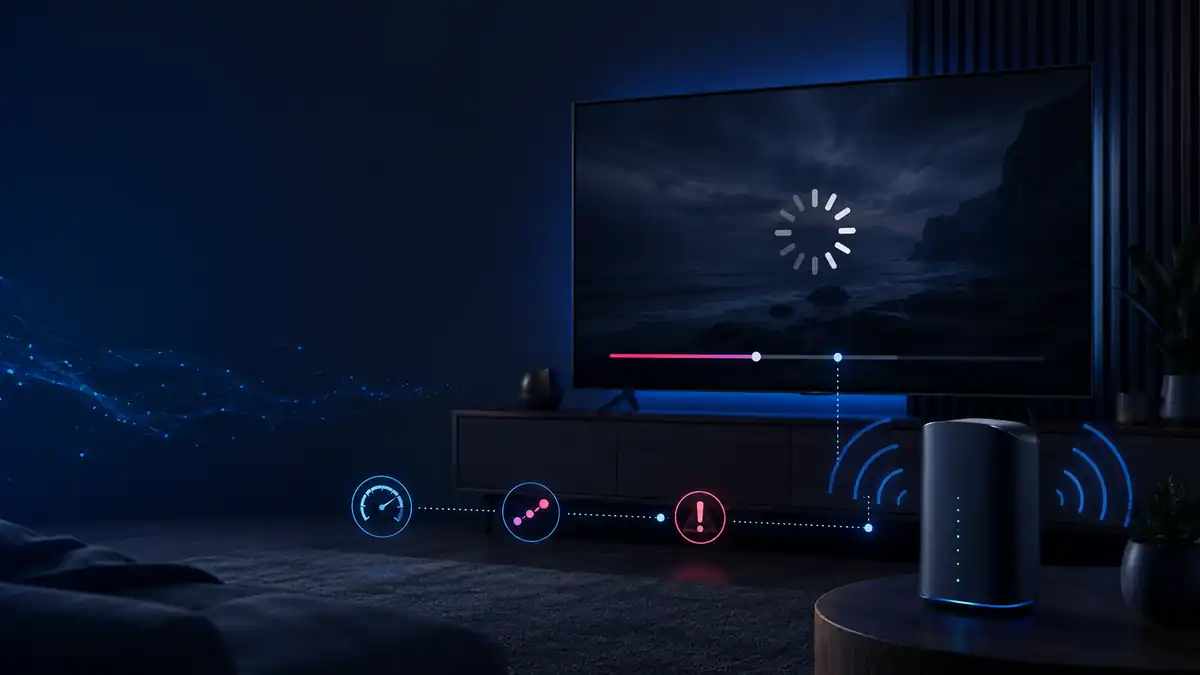
If BBC iPlayer keeps buffering, first check whether another app or device has the same problem, then use the matching app, Wi‑Fi, VPN, DNS or connection test below.
Immediate quick fixes
Interactive troubleshooter
Select the closest match to jump directly to the relevant instructions.
60-second diagnosis
If BBC iPlayer keeps buffering, first check whether the problem affects another app or device. If only iPlayer fails, check the app, VPN, DNS and BBC service; if all streaming struggles, test Wi‑Fi, packet loss and loaded latency.
Focus on the TV app, device storage, firmware or the Wi‑Fi signal behind the screen. Do not upgrade broadband yet.
Suspect the device, its network connection or its location. Compare Wi‑Fi with Ethernet where possible.
Check BBC service status, account sign-in, VPN, DNS and provider routing before resetting the router.
Suspect that live feed, audience demand or its delivery route before changing home network settings.
Recommended tests
Run these beside the affected TV or streaming device while the problem is happening. A test beside the router can hide a room-specific Wi-Fi fault.
Connection requirements
Test in the same room as the affected TV or streaming device. A fast result beside the router does not prove that the device receives a stable connection.
| Picture quality | Minimum speed | Practical advice |
|---|---|---|
| Standard definition (SD) | 1.5 Mbps | Leave extra capacity for weak Wi‑Fi and other devices. This is a minimum, not a comfortable household target. |
| High definition (HD) | 5.0 Mbps | Aim for 15–25 Mbps at the TV when several people are online so short speed drops do not empty the video buffer. |
| Ultra HD / 4K / 50fps | 24 Mbps | Leave substantial spare capacity. UHD availability and manual quality controls vary by programme and device. |
Speed is only one part of streaming quality. Aim for 0% packet loss and jitter below 30 ms. If the download result looks healthy but playback freezes when somebody starts an upload or game update, run the bufferbloat test.
Device-specific fixes
These sections replace the repeated generic restart advice. Use only the instructions for the affected device.
When the connection tests look healthy
If BBC iPlayer is smooth on a newer phone, tablet or laptop but remains slow on an older smart TV or set-top box, the TV hardware itself may be the limiting factor. Ageing smart-TV processors, low free storage, older Wi‑Fi hardware and discontinued firmware or app updates can all make iPlayer slower even when the broadband connection tests well.
Do not buy new hardware if several devices buffer too. In that case, continue with the Wi‑Fi, packet-loss or broadband checks on this page.
Live versus on-demand
Catch-up programmes can usually buffer further ahead, so they can hide brief Wi‑Fi drops and short network slowdowns. Repeated on-demand buffering more often points to the device, room Wi‑Fi or household congestion.
Live streams have less recovery time. High audience demand, CDN congestion, provider routing, jitter, packet loss or a high-frame-rate stream can expose problems that normal programmes hide.
Match the fix to the result
The separate Symptoms, Common Causes, Validate and Fix panels have been consolidated here. Each result now leads directly to the next action.
Move the router into the open, move the streaming stick away from the screen, use Ethernet or add a correctly positioned mesh node. Do not buy a faster package to solve a room-specific signal problem.
Pause console downloads, cloud backups and uploads. Run the bufferbloat test; if loaded latency rises sharply, use router SQM/QoS where supported or schedule heavy traffic outside viewing time.
Check the BBC account, device clock, VPN, proxy, DNS and service status. Compare home broadband with mobile data before replacing the router or contacting the provider.
Record speed, jitter and packet loss at quiet and busy times. If Ethernet also deteriorates, investigate provider or local network congestion using the evening slowdown guide.
Try separate Wi‑Fi names only when a TV or streaming stick repeatedly joins the wrong band. Use 5 GHz near the router for higher speed and less 2.4 GHz interference. Use 2.4 GHz where extra range through walls matters more. Reconnect the device and repeat the same stream after the change.
Disable browser, device and router-level VPN or proxy routing for the test. Location errors such as 02062 or 02066 can follow VPNs, Smart DNS, corporate security routes or IP-location checks. Restart iPlayer after disabling them and retry through the direct home connection.
Sign out of BBC iPlayer, restart the device and sign in again. Set the device clock to automatic. If the app still loops, temporarily test without router parental controls or provider-level shields, then re-enable the protections you need.
Fast error lookup
Use the code as a direction rather than proof that the broadband line is slow.
| Error or message | Likely cause | First action |
|---|---|---|
| 2100 / 3100 Samsung TV |
App or device-cache handshake failure on affected models. | Use Samsung’s Flash Reset guidance, then update firmware and reopen iPlayer. |
| 02100 / 03100 / 04100 | App authentication, cache, compatibility or network handshake problem. | Cold boot, reinstall or refresh iPlayer, sign in again and compare Ethernet with Wi‑Fi. |
| 02062 / 02066 | VPN, proxy, Smart DNS, corporate route or location check. | Disable alternate routing and retry through the direct home broadband connection. |
| Insufficient bandwidth | Weak device-side Wi‑Fi, packet loss, high jitter, saturated upload or household traffic. | Test beside the device, pause downloads and compare the same stream over Ethernet. |
| Loading loop with fast internet | Stale sign-in token, incorrect system clock, filtering, storage or firmware issue. | Sign out, set time automatically, restart, update and test without VPN or filters. |
If several devices fail simultaneously, check the BBC buffering help page and live outage reports before changing router settings.
FAQ
Weak TV Wi‑Fi, household congestion, an app or device fault, packet loss, high jitter, VPN routing or a temporary stream problem can all empty the playback buffer. Use the 60-second diagnosis to identify which part changes the result.
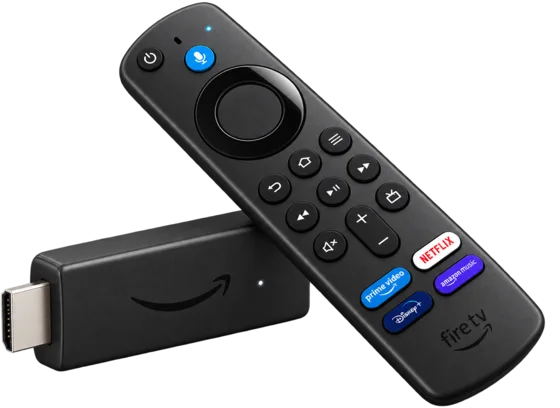
Force-stop BBC iPlayer, clear its cache, restart the Fire TV from the mains, update the app and Fire OS, free storage and test 5 GHz Wi‑Fi or Ethernet. The complete sequence is in the Fire TV section.
Allow at least 1.5 Mbps for SD, 5 Mbps for HD and about 24 Mbps for UHD or 4K where available. Leave additional capacity for Wi‑Fi loss and other users, and aim for 0% packet loss.
Live streams have less time to buffer ahead and are more exposed to audience demand, CDN congestion, route differences, jitter and packet loss. Test another feed or device and reduce quality where the platform allows it.