Best overall
Use the main 2026 buying guide when you want a balanced provider shortlist.
Compare UK broadband providersMatch broadband packages to your real needs: ping, reliability, upload power, router quality, full fibre availability, household usage and true contract cost.
Broadband comparison hub
Do not just buy advertised Mbps. Compare UK broadband by ping, reliability, upload power, router quality, full fibre availability and true contract cost before you switch provider.
Start with what you need the connection to do. LinkSpeed then points you to the right comparison guide, test tool, availability checker or switching-rights page.
Quick answer
The best broadband provider is the one that gives your exact address the best mix of stable speed, upload headroom, low latency, reliable Wi‑Fi, fair contract terms and support. Start with availability, then compare by use case rather than choosing only by headline download speed.
Use the main 2026 buying guide when you want a balanced provider shortlist.
Compare UK broadband providersPrioritise uptime, complaints, dropouts, router quality and local network stability.
Compare reliable broadband providersCheck FTTP first where old copper, low upload or busy household usage is the problem.
Compare full fibre broadbandLook for stable ping, low jitter, 0% packet loss and low loaded latency.
Compare broadband for gamingPerformance metrics
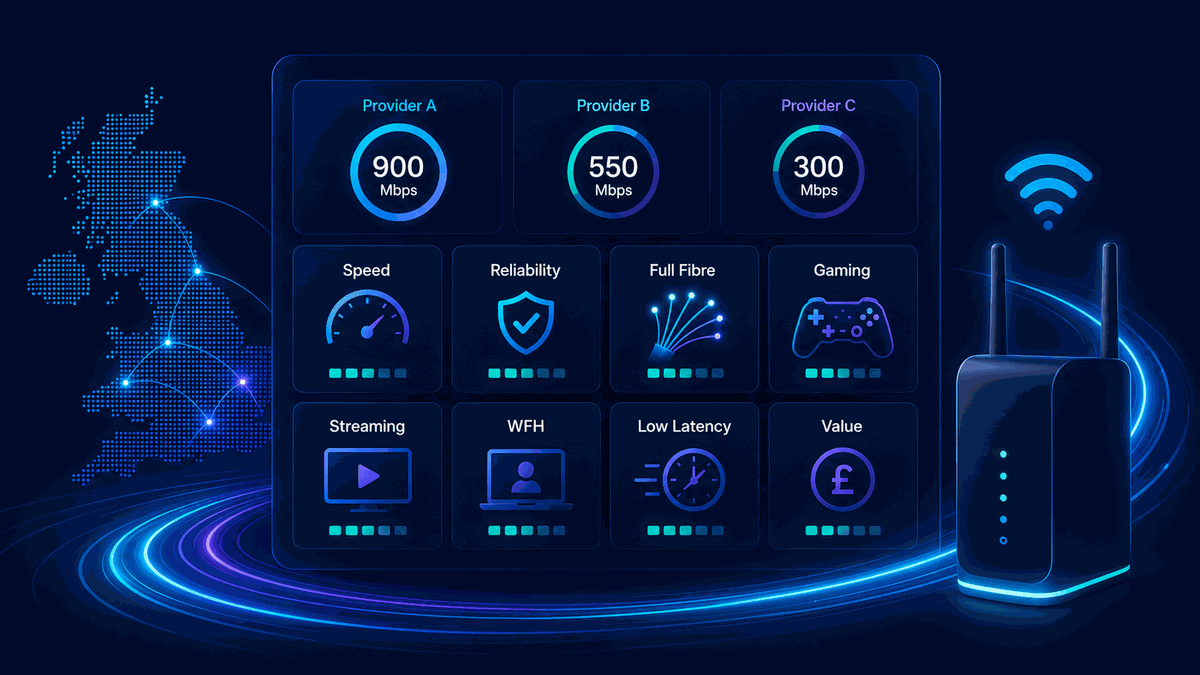
Use this table to move from a broad comparison to the right diagnostic or guide. The next-step column uses internal LinkSpeed routes only, with no unmapped legacy slugs.
| Need | Prioritise | Watch out for | Next step |
|---|---|---|---|
| Best overall | Address-level availability, reliability, fair pricing, upload and decent router hardware. | Intro prices, setup fees, mid-contract rises and weak supplied routers. | Read the Best Broadband UK 2026 guide |
| Best for gaming | Low ping, low jitter, no packet loss and low loaded latency. | Wi‑Fi, bufferbloat, CGNAT, bad routing and distant game servers. | Run the LinkSpeed bufferbloat test |
| Best for streaming | Stable download speed and strong Wi‑Fi to the TV or streaming stick. | Weak rooms, old devices, evening congestion and overloaded Wi‑Fi. | Compare broadband for streaming |
| Best for working from home | Upload speed, low jitter, reliability and backup options. | VPN slowdowns, cloud backups, video-call drops and poor router placement. | Compare broadband for working from home |
| Best value | Total contract cost, setup fees, router, price rises and exit terms. | Cheap headline prices with weak upload, long contracts or costly rises. | Use the broadband price rise calculator |
| Best for low latency | Routing, technology, loaded latency and packet delivery. | Fast downloads that still lag under household load. | Compare low latency broadband |
Provider groups
Provider logos matter less than the physical network serving your street. Use this directory to understand the main routes before comparing packages.
BT, EE, Sky, Plusnet, TalkTalk, Vodafone and other retailers often use Openreach for FTTC and FTTP. Use provider pages for brand-specific speed test tools and status context, while keeping broader package decisions on this comparison hub.
Open provider-specific speed test toolsVirgin Media can be the fastest fixed-line option where Openreach full fibre has not landed yet. Check evening consistency, upload ratio and loaded latency before choosing purely on download speed.
Compare reliability signalsNetworks such as Hyperoptic, Community Fibre, YouFibre, Gigaclear and Brsk can offer strong full-fibre performance and sometimes better upload options. Availability is highly postcode-specific, so check the exact address before comparing headline prices.
Compare full fibre broadbandWireless broadband can help where fixed-line options are weak, especially in rural or temporary setups. Test signal quality, packet loss, NAT behaviour and evening mast congestion before relying on it as the main connection.
Read the rural gaming broadband guideSeparate older part-fibre broadband from FTTP/full fibre before comparing deals. The wording matters because speed, upload and reliability can differ sharply.
Compare fibre vs full fibreCompare mobile broadband against fixed full fibre for latency, stability, installation flexibility, upload behaviour and household reliability.
Compare 5G broadband vs full fibreProvider comparisons
Use these direct comparison pages when you already have two providers or networks in mind and want to compare likely strengths, weaknesses and fit by address.
Compare Openreach-based broadband with Virgin Media cable/full-fibre routes for speed, upload, reliability and gaming responsiveness.
Compare BT vs Virgin MediaCompare two major Openreach retailers by router, support, pricing, TV bundles, full fibre availability and contract fit.
Compare Sky vs BTCompare value-led Openreach and CityFibre routes, router options, price positioning and what to check before switching.
Compare Vodafone vs TalkTalkCompare London-focused and building-focused full-fibre options, especially for flats, symmetrical speeds and gigabit availability.
Compare Community Fibre vs HyperopticCompare two altnet full-fibre routes by rollout area, speed tiers, upload, router expectations and local availability.
Compare YouFibre vs BrskDiagnostic first
A measured baseline stops you switching provider for the wrong reason. Test the line, then decide whether the issue is your broadband package, router, Wi‑Fi, device or local network.
Use the LinkSpeed broadband speed test beside the router. Record download, upload, ping and jitter before changing package.
Run the LinkSpeed ping test and compare idle ping with evening results. Latency is often the first sign of congestion.
Use the LinkSpeed bufferbloat test while someone streams or uploads. Big latency jumps point to queueing or low upload headroom.
Use the LinkSpeed broadband availability checker to see whether FTTP, cable, altnets or 5G are realistic at the address.
Router and Wi‑Fi
A faster package will not fix every slow room. If Ethernet is clean but Wi‑Fi drops in the bedroom, office or living room, router placement and home-network design are the first things to fix.
Thick walls, foil insulation, cupboards and TV cabinets can weaken Wi‑Fi before broadband speed becomes the limiting factor.
Open home network guidesLow shelves, corners and hidden cupboards make Wi‑Fi worse. A simple position change can outperform a package upgrade.
Read the router position guideMesh can help larger homes, but wireless mesh still needs good placement. Ethernet backhaul is usually better for gaming and home offices.
Read the Ethernet vs Wi‑Fi guideRouters with better queue handling reduce lag when uploads, backups and game updates happen at the same time.
Run the bufferbloat testTrue contract cost
The cheapest monthly price is not always the best value. Compare the full contract cost, setup fees, annual price changes, router charges, exit fees and whether the package has enough upload and reliability for your household.
Before ordering: run a current-line baseline, check exact-address availability, then use the Broadband Price Rise Calculator to estimate the real cost across the contract.
Choose the right path
| Your problem or upgrade goal | Best first page | Useful test or next action |
|---|---|---|
| Everything feels slow or the package no longer suits the home. | Best Broadband UK 2026 | Run the LinkSpeed broadband speed test |
| Evening slowdowns, dropouts or weak support are the main concern. | Most Reliable Broadband Providers | Troubleshoot internet that keeps dropping |
| Old copper, poor upload or busy household usage needs more headroom. | Best Full Fibre Broadband | Check full fibre availability |
| High ping, lag spikes, packet loss or rubber-banding while gaming. | Best Gaming Broadband | Run the LinkSpeed ping test |
| Netflix, iPlayer, YouTube or 4K TV buffers in one or more rooms. | Best Broadband for Streaming | Fix Netflix buffering |
| Video calls, VPNs, uploads and remote work need stability. | Best Broadband for Working From Home | Run the loaded latency test |
Specialist comparisons
Use these pages when your search is narrower than a general provider comparison.
Compare FTTP, FTTC, 5G, fixed wireless and Starlink when low-latency options are limited.
Open rural gaming guideCheck whether newer router hardware matters for gigabit and multi-device homes.
Open Wi‑Fi 7 provider guideCompare responsiveness, routing and packet delivery rather than advertised speed.
Open low latency guideUnderstand why provider routing, network technology and local congestion affect ping.
Open lowest ping guideWork out whether your household needs more speed before paying for a bigger package.
Check how much speed you needCheck whether 5G broadband latency, jitter, CGNAT and signal quality are good enough for online games.
Open 5G gaming guideCompare satellite and fixed full fibre for ping, jitter, packet loss, rural availability and gaming stability.
Compare Starlink vs full fibreUseful next steps
Start with address-level availability, then compare the factors that affect daily use: download speed, upload speed, ping, reliability, packet loss, router quality, Wi‑Fi coverage, contract length and price-rise terms.
Not always. Run the LinkSpeed broadband speed test close to the router and, if possible, over Ethernet. If wired results are also poor or unreliable, switching or upgrading may help. If only one room is slow, the issue may be Wi‑Fi coverage.
The best gaming broadband is the connection with the lowest stable ping, jitter, packet loss and loaded latency, not simply the highest download speed. Test over Ethernet before blaming the provider.
Streaming needs enough download speed and strong Wi‑Fi where the TV or streaming stick is used. If multiple rooms buffer, compare package speed, full fibre availability and router quality in the streaming broadband guide.
Full fibre is worth considering if it is available at your address and your current connection struggles with upload speed, reliability, evening congestion, gaming, streaming or working from home. Start with the full fibre broadband guide.