Best for most homes
Choose the best available fixed-line option at your address, then compare reliability, upload, router and total contract cost rather than speed alone.
The best broadband provider is the one that is available at your exact address, stays stable at busy times, has enough upload for the household, includes a router that can cover your home and still represents fair value over the full contract.
Broadband buying guide
Use this page as the main buying hub. First check which networks can actually serve your home, then compare the package by stability, upload, router quality, peak-time performance and the total cost of the contract.
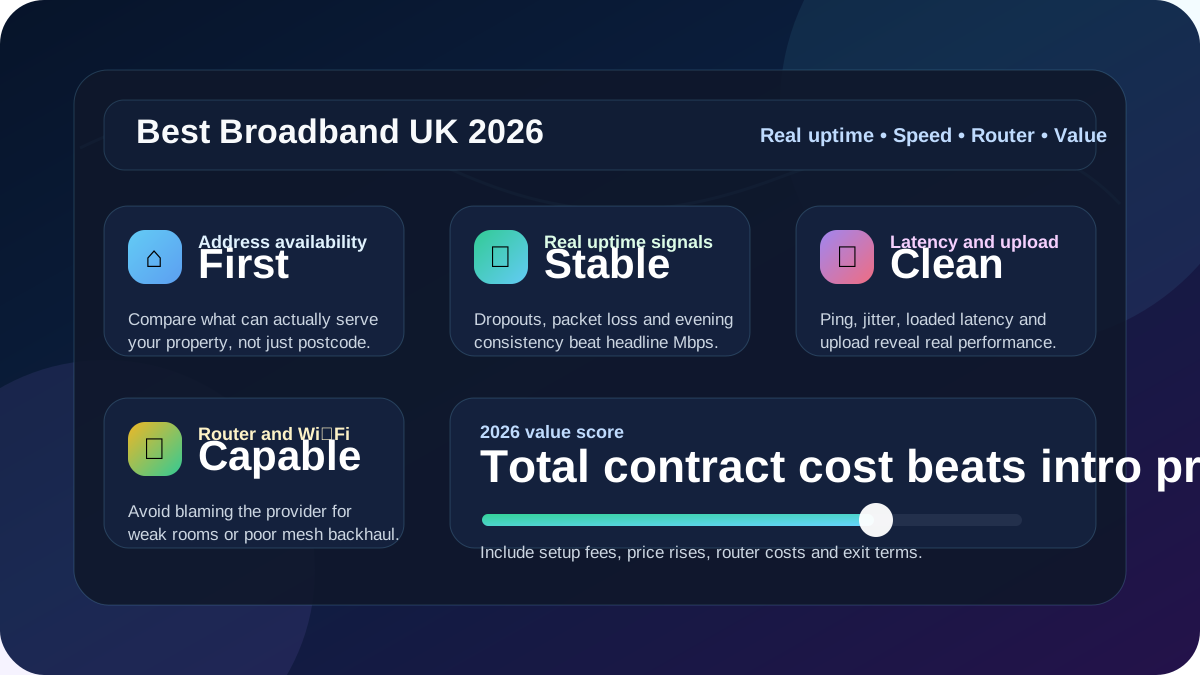
Quick answer
The best broadband provider for 2026 is the provider that can deliver the most stable available network at your exact address, with enough speed and upload for the household, a capable router, fair fault support and a contract price that still looks good after setup fees and mid-contract increases.
Do not let the headline download number make the decision on its own. A lower-priced package with clean latency, strong upload headroom and a good router can feel better than a faster deal that struggles with dropouts, weak Wi‑Fi, bufferbloat or expensive renewal pricing.
Choose the best available fixed-line option at your address, then compare reliability, upload, router and total contract cost rather than speed alone.
Prioritise low ping, low jitter, 0% packet loss and low loaded latency. A wired Ethernet test should come before any provider switch.
Multiple 4K streams need steady throughput to the TV room, not just an impressive package speed beside the router.
Video calls, VPNs and cloud files depend on upload, jitter, router placement and reliability under household load.
Transparent comparison method
LinkSpeed does not declare one provider universally best. The comparison starts with exact-address availability, then weighs the parts of the service that change the real household experience. Published package claims are treated as a starting point rather than proof of local performance.
A provider is only relevant where its network or wholesale partner can serve the exact property. Postcode context is followed by an address-level provider check.
Download, upload, idle ping, jitter, packet loss and loaded latency are considered together. A large headline speed does not cancel out instability or severe bufferbloat.
Router capability, Ethernet ports, Wi-Fi coverage and mesh options matter because a good line can still feel poor when the home network is the bottleneck.
Introductory price, setup costs, equipment, contract length, scheduled increases and out-of-contract pricing are considered instead of comparing only the first monthly payment.
Evidence rule: provider and network pages explain what to check, while LinkSpeed tools help users create their own local evidence. Coverage and performance can vary by street, serving network, time of day, router and device, so rankings should be treated as decision support rather than a guarantee.
2026 comparison matrix
Use this table to turn broad buying intent into the right internal LinkSpeed workflow. Every next step is an active internal funnel rather than a generic text fragment.
| Need | Prioritise | Watch out for | Best LinkSpeed next step |
|---|---|---|---|
| Best overall | Address availability, uptime signals, reliable router, fair upload and fair price. | Intro prices, setup fees, annual rises and availability that stops one road away. | Check broadband availability at your address |
| Best for reliability | Low dropouts, steady evening performance, good support and clean Ethernet tests. | Provider reputation hiding local wiring, router or street-level network problems. | Compare reliable broadband providers |
| Best for gaming | Low ping, low jitter, no packet loss and low loaded latency. | Wi‑Fi, router bufferbloat, CGNAT on some connections and distant game servers. | Run the LinkSpeed bufferbloat test |
| Best for streaming | Steady download speed, strong Wi‑Fi to the TV and enough capacity for multiple rooms. | Weak Wi‑Fi rooms, old streaming sticks and evening congestion. | Read the streaming broadband guide |
| Best for working from home | Upload speed, low jitter, reliable video calls, VPN stability and backup options. | Cloud backups, router position, weak mesh and overloaded upload capacity. | Read the working from home broadband guide |
| Best value | Total contract cost, router, setup fees, price-rise terms and exit options. | Cheap first-year pricing with weak upload, poor router hardware or steep rises. | Calculate the true broadband price rise cost |
Network directory
Provider names matter less than the physical network that reaches your property. Use these groups to understand what each option is normally best at before you compare packages.
BT, EE, Sky, Plusnet, TalkTalk and Vodafone often sell packages over Openreach FTTC or FTTP. This route is usually best for predictable national availability, clear engineer processes and broad address coverage, but the router, price and service experience differ by retail provider.
Virgin Media is often best for very high download speeds where its network is live and Openreach full fibre has not reached the address. Compare upload ratio, hub placement, evening performance and loaded latency before assuming the fastest package is the smoothest.
Vodafone, TalkTalk and other partners may offer full-fibre packages on CityFibre in selected towns and cities. These can be strong value when available, but the retail provider still controls the router, pricing, support and contract terms.
Hyperoptic, Community Fibre, YouFibre, Gigaclear, Brsk and local networks can offer excellent speed and upload performance, sometimes with symmetrical or near-symmetrical tiers. Coverage is highly postcode-specific, so check install rules, router ports, support hours and price after offer.
EE, Three, Vodafone and local wireless providers can be useful where fixed-line options are weak. Test signal, NAT type, jitter and evening mast load before cancelling a stable wired line.
Before you switch
A new provider will not fix a weak room, poor mesh layout or overloaded router. Build a simple evidence trail before you commit to a new contract.
Use the LinkSpeed broadband availability checker before comparing brand names. Postcode-level availability is not enough for flats, new builds, rural homes or streets with mixed fibre rollout.
Connect over Ethernet and run the LinkSpeed broadband speed test. Record download, upload, ping and jitter when the connection is quiet.
Run the LinkSpeed ping test and the LinkSpeed bufferbloat test. If latency jumps under load, router queue management or upload headroom may be the problem.
Evening performance often reveals congestion that daytime checks miss. Compare results before and after 8pm if streaming, gaming and video calls are the reason you want to switch.
Router and Wi‑Fi
Many homes buy a faster package when the real bottleneck is router placement, Wi‑Fi coverage, old Ethernet ports, poor mesh backhaul or bufferbloat. Compare Ethernet and Wi‑Fi results before switching provider.
One slow room usually points to Wi‑Fi coverage rather than the provider. Router position, mesh nodes or Ethernet backhaul can matter more than another speed tier.
Busy upload queues make calls, games and smart-home devices feel unreliable. A router with better queue management can make a modest package feel smoother.
Poor 2.4GHz/5GHz steering can leave devices stuck on the wrong band. That creates slow rooms and brief dropouts even when the line is healthy.
Use the Home Network Guides hub to check router position, mesh, Wi‑Fi extenders, Wi‑Fi 7 and Ethernet vs Wi‑Fi before you change supplier.
Contract value
A deal can rank well on monthly price but perform badly on total value once setup fees, router fees, price rises, out-of-contract pricing and exit charges are included.
| Cost factor | Why it changes the real value | Internal next step |
|---|---|---|
| Monthly price after offer | Short discounts can hide a poor renewal or out-of-contract price. | Check out-of-contract broadband options |
| Mid-contract rises | A fixed advertised price is not the same as the full 18 or 24 month cost if the contract includes rises. | Use the broadband price rise calculator |
| Setup and equipment | Activation, delivery, mesh discs, engineer work or non-standard install fees can change the cheapest-looking deal. | Read the broadband switching guide |
| Low-income support | Some households may get better value from a social tariff than a headline discount. | Compare broadband social tariffs |
Useful next steps
There is no single best provider for every home. The best choice is the provider with the strongest available network at your exact address, fair contract terms, enough upload, good router hardware and stable real-world performance at the times you use it most.
Use both, but reliability usually matters more once you have enough speed. A stable 150–500 Mbps package with low latency and strong Wi‑Fi can feel better than a faster package with packet loss, dropouts, high loaded latency or weak router coverage.
Start with availability at the exact address. Compare Openreach FTTP providers, Virgin Media cable or FTTP, CityFibre partners, independent altnets and wireless options only where they are genuinely orderable at the property.
Run Ethernet tests beside the router, then repeat over Wi‑Fi in the rooms you use most. Check speed, upload, ping, jitter, packet loss and bufferbloat at both quiet and peak times. If Ethernet is clean but Wi‑Fi is poor, fix the home network before switching.
A cheap introductory monthly price can become expensive once annual rises, setup fees, equipment charges and contract length are included. Compare the full contract cost, not only the first-month or headline price.
Yes, where they serve your address. Altnets can offer excellent full-fibre speeds and strong upload options, but coverage, installation process, router choice, support hours and contract terms vary by network and postcode.