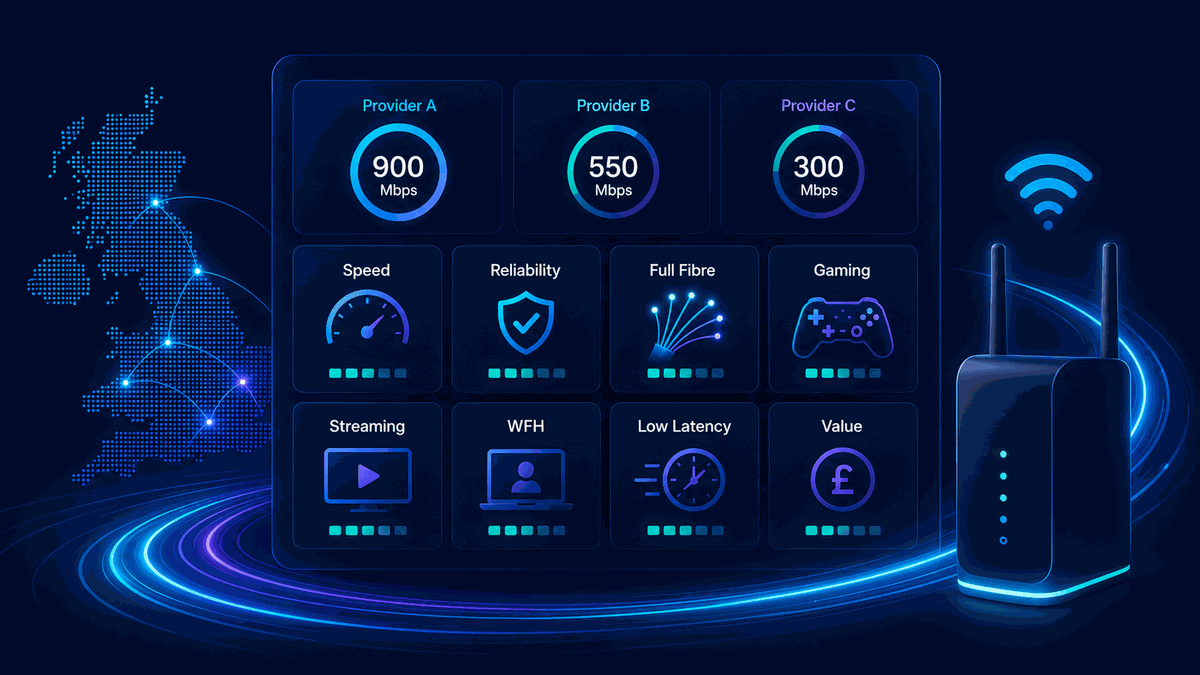
Community Fibre vs Hyperoptic Broadband

Community Fibre and Hyperoptic are specialist alternative networks, so the right choice depends on the provider already built into your building, the wayleave position, the access technology used and the upload profile on the package you can actually order.

Provider comparison guide

Community Fibre vs Hyperoptic: compare altnet buildings and wayleaves

Community Fibre and Hyperoptic are independent altnets, so availability can be decided block-by-block rather than street-by-street. Compare the building install route, wayleave status, upload profile and package terms before switching.

Start with the building, not the postcode. Flats and apartment blocks may have Community Fibre, Hyperoptic, both, or neither depending on wayleave agreements, internal cabling routes and whether the provider has already built into the property.

Community Fibre vs Hyperoptic altnet building infrastructure comparison illustration

Interactive selector

Community Fibre vs Hyperoptic building infrastructure matcher

Altnet performance and availability depend heavily on how fibre enters the property and whether your building already has permission for the network.

Match the building setup

Select the setup closest to what is available in your building. The verdict explains the likely technical baseline and what to check before ordering.

Building baseline verdict

Select connection type

Your structural latency, upload profile and install route depend on how fibre enters the property block.

Technical baseline

Community Fibre vs Hyperoptic: altnet, upload and building matrix

This replaces a generic checklist with the building-level details that normally decide availability and real-world performance.

Comparison metricCommunity Fibre profileHyperoptic profileWhat it means
Network typeIndependent altnet network, focused heavily on London and full-fibre building rollout.Independent altnet network, often strong in flats, apartment blocks and selected urban buildings.Availability can be building-specific rather than just postcode-wide.
Access technologyOften marketed around FTTP / fibre directly to the property or flat.May be FTTP or FTTB depending on building design and install route.Ask what is actually installed in your building before comparing packages.
Upload profileCan offer very strong or symmetrical upload on suitable packages and locations.Can offer very strong or symmetrical upload on suitable packages and locations.Check the specific package because upload terms can vary by speed tier and address.
WayleaveMay need building-owner, landlord, freeholder or managing-agent permission where not already installed.May need building-owner, landlord, freeholder or managing-agent permission where not already installed.A nearby street build does not guarantee your block is order-ready.
Gaming and latencyShould be strong when the building route and home network are healthy.Should be strong when the building route and home network are healthy.Test ping, jitter, packet loss and loaded latency after installation.

Technical differences

Altnet infrastructure realities: independent networks and wayleaves

Unlike many UK providers that lease Openreach access lines, Community Fibre and Hyperoptic operate as Alternative Networks / Altnets. Their availability can be hyper-local: one apartment block may be live while the neighbouring building is still waiting for permission, cabling or landlord approval.

In flats and shared buildings, connection rights often depend on a wayleave agreement. That is the legal permission for engineers to install, maintain and access network equipment through communal areas, risers, basements or external routes controlled by a freeholder, landlord, managing agent or housing provider.

Community Fibre route: FTTP and symmetrical-capable packages

Community Fibre is usually positioned as a full-fibre altnet with high download and upload capability, especially in London areas where its network is already live.

  • FTTP / Fibre-to-the-Premises: fibre is run to the property or flat rather than relying on an old copper telephone line.
  • Symmetrical bandwidth: many full-fibre packages can support strong upload performance, but always check the exact package terms.
  • Building reality: an address checker result still needs to match your actual flat or block, not only the street.

Hyperoptic route: FTTP, FTTB and building-led installs

Hyperoptic is also an altnet known for building-led urban deployment, with service availability often tied to apartment blocks and building infrastructure.

  • FTTP / Fibre-to-the-Premises: fibre may run directly to the premises in some setups.
  • FTTB / Fibre-to-the-Building: fibre can reach the building with the final internal route handled by building cabling, such as Ethernet, depending on install design.
  • Wayleave reality: if your building is not permissioned or cabled, you may not be able to order even if Hyperoptic is nearby.

Before leaving an existing provider for Community Fibre or Hyperoptic, run the LinkSpeed broadband speed test, measure idle latency with the standalone ping test, and use the bufferbloat test if video calls or online games stutter during heavy household use. Use the broadband availability checker for address-level context, then compare broader rollout on the UK full fibre coverage map.

Check exact building availability. Do not rely on postcode-level marketing alone. Confirm whether your specific flat, block, freeholder or managing agent has an active wayleave and live internal cabling.

If you live in a flat, also ask the building manager, freeholder or landlord whether Community Fibre or Hyperoptic already has a wayleave agreement and live internal cabling.

Buying checks

Package, upload and installation checks

Do not compare Community Fibre and Hyperoptic only by the headline 1 Gbps or 5 Gbps figure. Check the upload speed, router handoff, contract length, install route, engineer access, static IP needs, mesh Wi-Fi cost and what happens if your block needs additional permission.

For home working, livestreaming and cloud backup, upload can matter as much as download. For gaming and video calls, also test ping, jitter, packet loss and loaded latency after installation rather than judging only by advertised speed.

Next guides

Useful next steps

Community Fibre vs Hyperoptic Broadband FAQs

Does Community Fibre or Hyperoptic have lower ping for gaming?

Both can deliver very low latency where the building install and home network are healthy. Real-world differences usually come from building wiring, router placement, Wi-Fi quality, packet loss and loaded latency rather than the logo alone.

Why is Community Fibre or Hyperoptic available nearby but not in my building?

Altnet availability can be building-specific. Blocks of flats often need a wayleave agreement with the freeholder, landlord, managing agent or housing provider before engineers can install equipment in common areas.

Are upload speeds symmetrical on Community Fibre and Hyperoptic?

Both networks can support strong upload performance, and many packages are marketed around symmetrical or near-symmetrical speeds. Check the exact package terms at your address because upload profiles can vary by tier, location and product generation.

Is Hyperoptic FTTB the same as FTTP?

Not exactly. FTTP takes fibre to the premises, while FTTB takes fibre to the building and may use internal Ethernet or other building cabling to reach individual flats. Both can be fast, but the internal building path still matters.

Can I use my own mesh router with Community Fibre or Hyperoptic?

Usually you can build your own home network behind the provider handoff, but check whether the service uses an ONT, wall socket, supplied router, DHCP, PPPoE or other settings before replacing the supplied equipment.