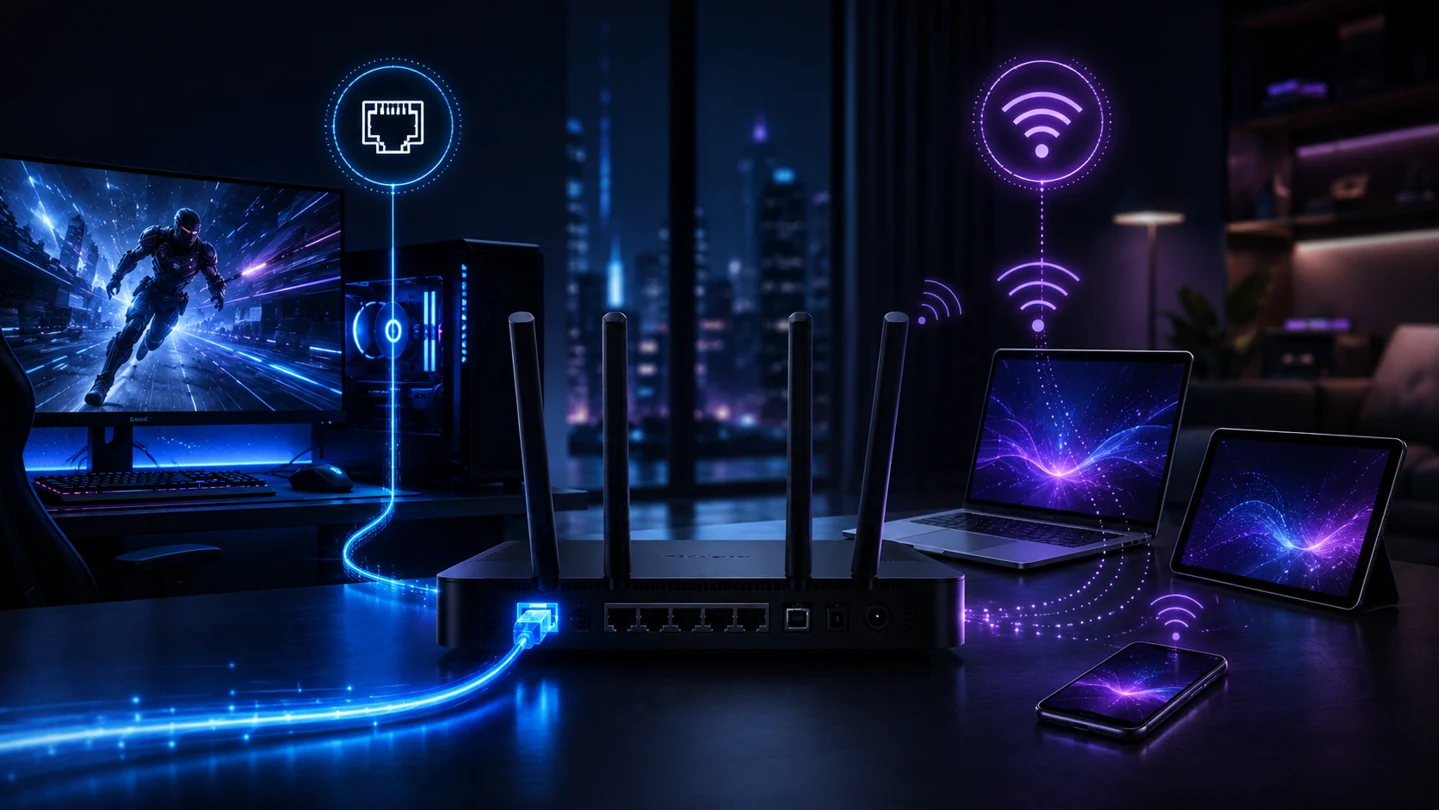
What is the difference between Ethernet and Wi‑Fi?
Ethernet is a point-to-point wired link between your device and a router or network switch. Modern switched Ethernet is normally full duplex, so a device can transmit and receive on its link at the same time. Common home-network port speeds are 1GbE, 2.5GbE and, on higher-end equipment, 5GbE or 10GbE.
Wi‑Fi carries 802.11 frames over shared radio spectrum. Devices contend for airtime, and the usable data rate changes with signal quality, channel width, interference, retransmissions, client antenna design and the capabilities of both the access point and the client. That variability is why a Wi‑Fi speed test can change substantially without the broadband line itself changing.

Which is faster: Ethernet or Wi‑Fi?
There is no useful answer based only on the headline standard name. A 2.5GbE laptop connected to a 2.5GbE router can be faster than a typical Wi‑Fi client, while a modern Wi‑Fi 7 laptop can easily outperform an old 100Mbps or 1GbE wired interface in the right conditions. The real comparison is the slowest link in the complete path: broadband service, router WAN port, router LAN port, Ethernet adapter, cable, Wi‑Fi radio, channel conditions and the client device.
Wi‑Fi 7 vs Wi‑Fi 6E: why the wireless ceiling moved
Wi‑Fi 6E extends Wi‑Fi 6 (802.11ax) into the 6GHz band. That gives compatible devices access to cleaner spectrum with fewer legacy clients, but the shorter-wavelength 6GHz signal generally has less margin through walls than lower-frequency bands and still depends heavily on distance and line of sight.
Wi‑Fi 7 (802.11be) raises the PHY ceiling with features including channels up to 320MHz, 4096‑QAM and Multi‑Link Operation (MLO). A wider channel can carry more data, while 4096‑QAM encodes more bits per symbol when the signal-to-noise ratio is excellent. MLO can let compatible devices use more than one link across available bands/channels, improving throughput, resilience or latency depending on the implementation. The often-quoted figure of roughly 46Gbps is an aggregate theoretical PHY maximum across many spatial streams, not a realistic speed for one ordinary laptop.
| Criterion | Ethernet | Wi‑Fi 6E / Wi‑Fi 7 |
|---|---|---|
| Connection type | Switched wired link over twisted-pair copper; typically RJ45 using Cat5e, Cat6 or Cat6a. | Shared 802.11 radio link between client and access point. |
| Common home link rates | 1, 2.5, 5 and 10Gbps depending on ports and cabling. | Client PHY rate varies by Wi‑Fi generation, channel width, spatial streams and signal quality. |
| High-end standard ceiling | 10GBASE‑T: 10Gbps to 100m on compliant Cat6a. Cat6 can support 10GbE over shorter channels under suitable conditions. | Wi‑Fi 7 theoretical aggregate PHY rate is about 46Gbps across the full standard configuration; a single consumer client is far lower. |
| Usable throughput | Predictable but below raw link rate after protocol overhead; about 940Mbps is common on a healthy 1GbE internet path. | Highly variable. Multi-gigabit throughput is possible at short range with suitable Wi‑Fi 7 hardware, but distance, contention and client capability reduce it. |
| Local-link latency | Usually sub-millisecond to the local router/switch on a healthy LAN, with very low variation. | Can be only a few milliseconds at close range, but airtime contention, retries and power-saving behaviour can create larger spikes. |
| Jitter & packet delivery | A healthy wired LAN should have negligible loss and very low jitter; faults usually point to cabling, ports or congestion. | Retries can hide RF errors from applications but add delay. Weak signal, busy channels and interference can increase jitter or visible packet loss. |
| Medium / spectrum | Balanced baseband signalling over dedicated copper pairs. | 2.4GHz, 5GHz and, on 6E/7 equipment, 6GHz spectrum subject to regional rules. |
| Duplex / contention | Modern switched links normally operate full duplex with dedicated send/receive capacity. | A channel is a shared contention medium. Conventional operation schedules access to airtime rather than providing each client a dedicated full-duplex wire. |
| Best use | Competitive gaming, NAS, workstation docks, local backups, media editing and broadband fault isolation. | Phones, tablets, portable laptops, roaming clients, smart-home devices and rooms where cabling is impractical. |
Why does Wi‑Fi slow down through walls?
Wireless performance is governed by the link budget: every metre of distance and every obstacle removes signal margin. Dense masonry and reinforced concrete can absorb and scatter radio energy; metal-backed plasterboard or foil insulation can act as a partial RF barrier; low-emissivity glazing may contain metallic coatings that attenuate signals. The result is usually a lower modulation rate, more retransmissions and less usable throughput rather than an abrupt on/off failure.
Higher frequencies make the trade-off more obvious. The 6GHz band gives Wi‑Fi 6E and Wi‑Fi 7 access to wide, relatively clean channels, but it is best used where the access point is nearby. For difficult rooms, moving the access point, adding a correctly placed mesh node or using wired backhaul often helps more than buying a faster broadband package. See the UK building-materials and Wi‑Fi attenuation guide.
Interactive Wi‑Fi planning tool
Wi‑Fi wall & obstacle impact estimator
Choose the main obstacle and Wi‑Fi band to estimate how likely the path is to reduce signal margin, force a lower modulation rate or increase retries. This is a planning guide, not a substitute for an RF survey.
Plain plasterboard usually leaves enough margin for a healthy 5GHz connection when the access point is nearby, although distance and client hardware still matter.
Ethernet control: once a compliant cable is installed through or around the obstacle, the wall itself does not consume radio signal margin. Link speed is then governed by the Ethernet ports, cable category/quality and run length.
Why there is no fake “% speed loss” figure: wall loss does not translate cleanly into a fixed throughput percentage. Thickness, moisture, reinforcement, metallic coatings, angle, distance, access-point power, antenna design and neighbouring networks can all change the result.
Why Ethernet is usually better for gaming
Online games rarely need enormous download bandwidth. What matters is latency consistency. Jitter is variation in packet delay; packet loss is data that never reaches its destination and must be recovered or tolerated by the application; bufferbloat is excessive queueing delay when a bottleneck becomes busy. These are different problems, and bufferbloat can affect Ethernet or Wi‑Fi because the queue may sit in the router, modem or upstream network.
Ethernet removes the wireless airtime variable. A switched full-duplex Ethernet link gives the console or PC a dedicated local connection, while Wi‑Fi devices share airtime and may wait, retry or change modulation as RF conditions change. Wi‑Fi 7 MLO can improve wireless latency and reliability, but it does not make the radio environment identical to a cable. For competitive gaming, a good Ethernet path remains the simplest way to remove one source of jitter.
Which is better for streaming and everyday use?
For a phone, tablet or streaming stick, good Wi‑Fi is normally the sensible choice. A stable 4K stream uses far less bandwidth than a modern Wi‑Fi link can carry. Ethernet becomes more valuable when a fixed TV, media server or console is in a weak-signal location, or when you want predictable performance while other wireless devices are busy.
Which is better for working from home?
For video calls, remote desktops, VPN sessions and large file transfers, stability is usually more valuable than peak speed. A wired dock can remove roaming, weak-signal and channel-contention issues from a fixed desk. Wi‑Fi remains the better choice when mobility matters, provided the work area has strong coverage and the access point is not overloaded.
Use Ethernet for…
Gaming PCs and consoles, desktops, NAS devices, fixed workstations, high-volume local transfers and accurate broadband baseline tests.
Use Wi‑Fi for…
Phones, tablets, portable laptops, smart-home devices and everyday clients that move around the property.
Best hybrid setup
Use Ethernet as the network backbone and for fixed critical devices, then let Wi‑Fi handle mobility. Wired backhaul can also improve mesh performance.
When should you test over Ethernet?
If you are diagnosing slow broadband, Ethernet is the control sample. It answers a crucial question: is the internet connection slow, or is the local wireless path slow?
- Use a known-good Cat5e or better cable and a device whose Ethernet port is fast enough for the package.
- Check the negotiated link speed in the operating system; a 100Mbps negotiation can make a fast FTTP service look faulty.
- If Ethernet reaches the expected service speed but Wi‑Fi does not, troubleshoot coverage, channel use, router position and client capability.
- If Ethernet is also slow, check the ONT/router WAN and LAN port rates, provider service, local congestion and the test device before buying new Wi‑Fi hardware.
Interactive decision tool
Should I cable it?
Choose your main activity and broadband tier. The recommendation focuses on the connection path, not on selling you a faster package.
How to choose between Ethernet and Wi‑Fi
- Choose Ethernet when latency consistency, local file speed or troubleshooting accuracy matters more than mobility.
- Choose Wi‑Fi when the device moves around and the room has strong coverage from a modern access point.
- Do not buy Cat6a just because your internet exceeds 1Gbps. For 2.5GbE, existing compliant Cat5e often works. Cat6a becomes especially useful when you are planning 10GbE to 100m or want generous cabling margin.
- If you rent or cannot run new cable, consider a well-positioned mesh system with wired backhaul where possible. Powerline can work but varies with electrical wiring and noise; usable coaxial cabling can also provide a wired alternative with suitable adapters.