Contact the new provider
Choose the service you want and provide the address and current-provider details requested.
A practical UK guide to changing broadband provider, checking exit fees and availability, protecting your connection and understanding what your new provider handles.
UK broadband switching guide
Choose a new broadband provider and place the order with them. Under Ofcom's One Touch Switch process, the new provider normally manages the transfer with your old provider. Before ordering, check your contract, exit fees, address availability, total price and installation requirements.
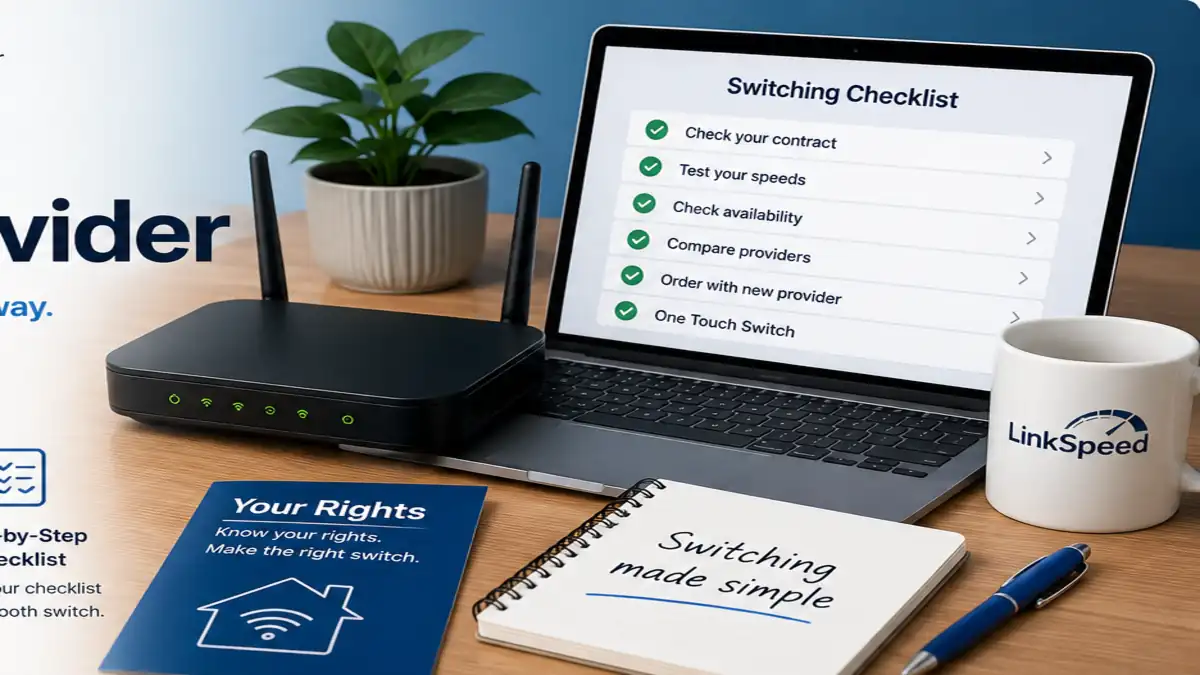
The switching process
For most residential switches, start with the provider you want to join rather than cancelling the old broadband yourself.
Find your minimum-term end date, current monthly price, any early termination charge and the services included in the account. If you are still in contract, compare the exit cost with the saving from moving.
Confirm which networks and technologies are available before choosing a provider. Postcode-level coverage is useful for narrowing the options, but the provider should confirm the exact address before you order.
Check broadband availability at your postcodeCompare total contract cost, expected download and upload speed, price changes, setup fees, contract length, router, installation requirements and customer service rather than headline Mbps alone.
Sign up with the provider you want to join. Under a normal One Touch Switch, the new provider starts and manages the switch. Tell them during the order if you want to keep an existing landline or digital phone number.
Your current provider should send information about charges and the effect on other services. Check the agreed switch date, engineer or equipment requirements, final billing and router returns. Once the new service is working, the old broadband should cease automatically during a normal managed switch.
Before you order
Check your contract end date, exit fees, address-level availability, total contract cost, expected speeds, price rises, installation requirements and any TV, phone or email services that could be affected.
| Check | Why it matters | What to do |
|---|---|---|
| Contract status | Leaving before the minimum term ends can trigger early termination charges. | Check the provider app, account, contract or end-of-contract notice. |
| Address availability | Not every network or package is available at every property. | Check local broadband coverage, then verify the exact address with the new provider. |
| Total contract cost | A cheap starting price may not be the cheapest option over the whole term. | Include setup charges and any stated in-contract price changes. |
| Download and upload speed | Upload matters for video calls, cloud backup, cameras and home working. | Compare both directions and save a baseline using the LinkSpeed Speed Test. |
| Installation | Moving to a different network may require an engineer, ONT, wall box or new cable. | Confirm installation requirements and the proposed go-live date before committing. |
| Bundles and extras | TV, mobile, email, security products or add-ons may be separate contracts. | Read the switching information and confirm what continues, ends or changes price. |
Ofcom switching process
One Touch Switch is the UK process that lets residential broadband customers normally switch by contacting only the new provider. The new provider coordinates the transfer, while the current provider sends important switching information such as charges and the impact on other services.
Choose the service you want and provide the address and current-provider details requested.
Your existing provider should explain charges and other consequences of leaving.
The new provider handles the transfer and explains any installation or equipment steps.
Source: Ofcom — Switching broadband provider.
Continuity
A managed switch should keep disruption to a minimum. Ofcom says any loss of service during the switch should not last longer than one working day.
If the move needs a new fibre installation, engineer visit or equipment, confirm the installation and activation plan with the new provider. If uninterrupted connectivity is essential, keep mobile data or another backup connection available for the changeover.
Who handles the switch?
Usually no. For a normal One Touch Switch, contact the provider you want to join and they coordinate the switch. You should not normally need to cancel the old broadband manually.
If you deliberately want both broadband services running at the same time, tell the new provider you are managing the change yourself. You may then need to arrange the old-service cancellation separately.
Switching at a glance
For a normal residential switch covered by One Touch Switch, start with the provider you want to join. Use this summary before ordering, then follow the five-step checklist below.
Your new provider. For a normal One Touch Switch, the new provider coordinates the transfer with the old provider.
Normally not for a standard One Touch Switch. Review the switching information first, especially if broadband is bundled with TV, mobile, email or phone services.
Ofcom says any loss of service during the switch should not last longer than one working day. A new installation or different network can still affect the practical go-live process.
Confirm your minimum-term end date, early termination charges, address-level availability, total contract cost and any installation or equipment requirements.
There is no single fixed duration for every order. The provider confirms the switch date, which can depend on the network, installation and equipment required.
Contract and exit fees
Yes, but you may have to pay an early termination charge. Under One Touch Switch, your current provider should tell you about relevant charges before the switch completes.
You can usually move without a minimum-term early termination charge, although final billing and equipment-return requirements can still apply.
Ask for the exact exit charge and compare it with the saving, speed improvement or other benefit from the new deal.
Ofcom says that if your current provider offers a social tariff, you can switch to that tariff at any time free of charge. If your provider does not offer one, check whether another provider's social tariff is available before paying an exit fee.
Compare UK broadband social tariffs →A poor Wi-Fi signal does not automatically create a penalty-free right to leave. Where a provider and service are covered by Ofcom's broadband speeds protections, specific rules can apply to unresolved qualifying speed problems.
Check Ofcom's broadband speeds guidanceIf affordability is the issue, check whether you qualify for a social tariff before paying an exit fee to move elsewhere.
Compare broadband social tariffsServices tied to the account
Do not assume every service on the account will automatically move or end with the broadband. Check the switching information and the terms of each bundled or separately contracted service.
If you want to keep your number, tell the new provider during the order. Do not wait until after the old service has been disconnected.
TV, mobile SIMs, streaming passes and device plans may sit on separate contracts or change price when broadband leaves the bundle.
Check whether the old provider keeps, closes or charges for the email service after broadband ends. Move important accounts to an independent email address before switching if needed.
Timing
There is no single fixed switching time for every broadband order. The date depends on the provider, network and whether an engineer visit, new cable or equipment is needed.
Your new provider should explain the proposed switch or activation date and any installation steps. Treat the 14-day cooling-off period as a cancellation right, not as a universal broadband activation timetable.
Cooling-off rights
If you order online, over the phone or on the doorstep, you normally have a 14-day cooling-off period. This may not apply in the same way to an in-store order.
Check the new provider's cancellation process promptly. If you asked for service to start during the cooling-off period, there can be costs for service already supplied.
Start with evidence and availability
Use LinkSpeed to check what is available and establish how your current connection performs before choosing a new package.
See postcode-level fixed broadband and full-fibre coverage, then continue to provider address checks.
Check availabilityRecord download, upload, ping and jitter before deciding whether the problem is the line, package or home Wi-Fi.
Run speed testExplore LinkSpeed's provider and use-case guides while we continue expanding address-level comparison tools.
Compare broadbandQuick answers
Usually no. Under One Touch Switch, you normally contact the provider you want to join and the new provider manages the switch. A deliberately self-managed switch is different.
A managed switch should minimise disruption. Ofcom says any loss of service during the switch should not last longer than one working day.
Yes, but early termination charges may apply. Check your minimum-term end date and exact charge before placing a new order.
It is the UK residential broadband switching process under which you normally contact only the new provider and they coordinate the change with the old provider.
There is no universal fixed time. It depends on the provider, network, engineering work and equipment required for the new service.
If you ordered online, by phone or on the doorstep, you normally have a 14-day cooling-off period. Check the provider's terms, particularly if service has already started.
No. Wait for the switch to complete, check the final bill and any equipment-return requirements, then change payment arrangements once the old account is settled.
Yes. It applies across different broadband networks as well as providers using the same wholesale network, although a new physical installation may still be needed.