Switch date missed
Ask the new provider for the order status, delay reason and revised activation date.
One Touch Switch problems can include delayed activation, a failed switch, double billing or the old provider not cancelling correctly. Use the failure pattern to work out what happened and what to do next.
Broadband switch problem guide
One Touch Switch should make changing broadband easier, but matching errors, missed dates, old-provider billing and failed activations can still happen.
Use this page to identify who to contact, what evidence to keep and when to escalate a broadband switch problem.
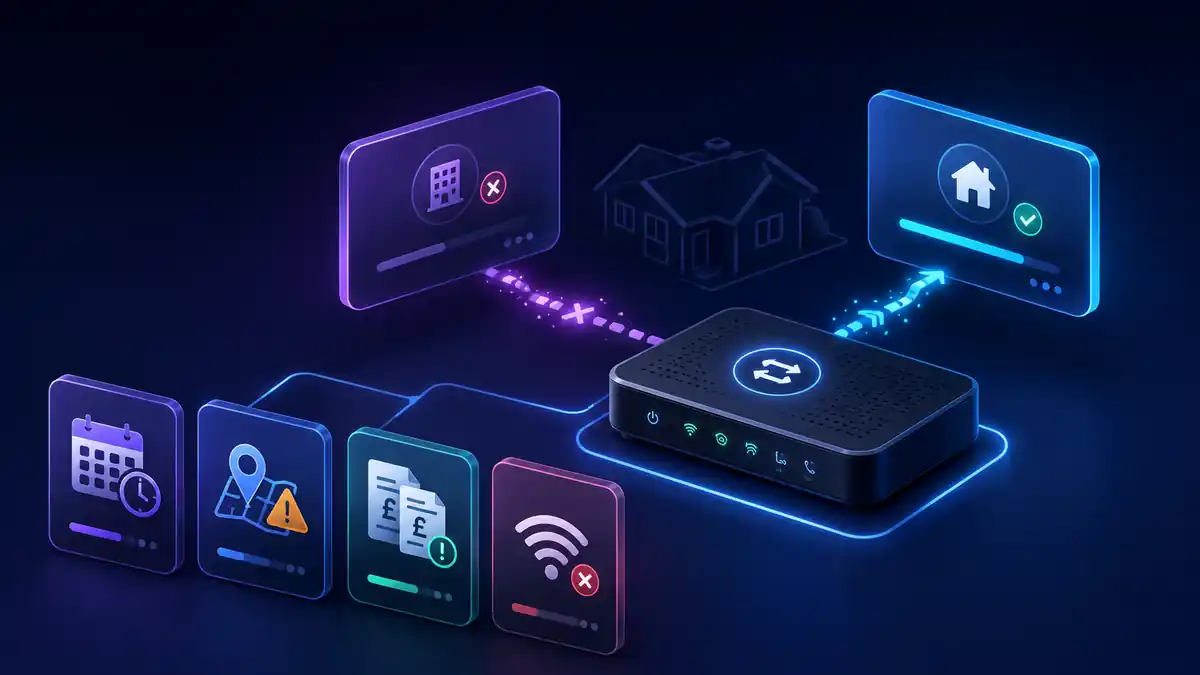
Problem finder
Pick the closest issue and collect the evidence before cancelling payments, placing another order or arguing with both providers at once.
Ask the new provider for the order status, delay reason and revised activation date.
Check address, account holder, current provider name and service details for matching errors.
Request the cease date, final bill and explanation of any overlap or exit fee.
Keep outage times and fault references, then check whether compensation may apply.
Check compensationFix checklist
Separate a delayed switch, failed provider match, service outage, double bill or old-provider cancellation problem.
For switch progress, ask the new provider for the order reference, current status and reason for delay.
If old bills continue, ask for the cease date, final bill and explanation of charges.
Save bills, emails, order confirmations, chat logs, engineer notes and activation messages.
Delayed activation, missed appointments or qualifying loss of service may be relevant depending on the facts.
If the provider cannot resolve it, raise a complaint and keep all complaint references.
| Problem | Likely cause | Next action |
|---|---|---|
| Switch date delayed | Installation date, network work, order hold, engineer availability or provider system issue. | Ask the new provider for the specific reason and revised date. |
| Failed service match | Address, flat number, postcode, current provider name or account-holder details do not match. Multi-dwelling addresses are especially prone to formatting issues, such as “Flat 3”, “Third Floor Flat” or a building name being recorded differently. | Check exact address formatting and current provider information. Tip: if your match fails, check your official postal address on the Royal Mail Postcode Finder. Give both providers the same flat, floor, building and postcode wording so the switch can be matched correctly. |
| Old provider still billing | Cease record not updated, overlap by choice, final-bill timing or bundled services still active. | Ask for the cease date, final bill and service list. |
| Double billing | Old and new services overlap or one provider has not aligned billing dates. | Compare activation date, old cease date and final bill period. |
| No service after switch | Activation failure, router setup, line fault or account provisioning issue. | Raise a fault immediately and save outage times and references. |
| Bundle not cancelled | TV, mobile, email or add-ons may not be part of the broadband switch. | Check bundle terms and contact the provider responsible for that service. |
| Provider portfolio issue | Switching between brands that share backend systems, or where a customer base has moved between providers, can sometimes be handled as an internal migration rather than a normal external switch. | Ask customer services to manually check the asset or service transfer before placing a second order. |
Evidence
Save new provider order numbers, switch dates and address-matching details.
Keep early termination charges, bundle impacts and old-provider switching messages.
Compare bill periods, activation date, cease date and any final charges.
Save appointment windows, missed visits, failed install notes and revised activation dates.
Keep outage times, router status screenshots and speed tests if the service works poorly after activation.
Use provider complaint channels and keep dates, transcripts and case numbers.
Check what should normally happen and who should contact the old provider.
Read guideCheck what the new provider handles and what still needs separate action.
Read guideModel delayed activation, missed appointment or loss-of-service compensation if relevant.
Use calculatorThe most common reason a One Touch Switch fails is a customer data mismatch. Your name, address format, flat number or existing account details must match across the provider records.
Do not cancel your direct debit blindly. Compare the activation date from your new provider against the cease date on your old provider's final bill, then submit a written billing dispute.
The new provider usually manages the switch process, but billing disputes or old service cancellation issues may involve both providers.
Ask the new provider for the exact reason, the current order status and a revised date. Keep all order references and messages.
Compensation may apply in some circumstances, such as delayed activation, missed appointments or qualifying loss of service, depending on provider eligibility and the facts of the case.