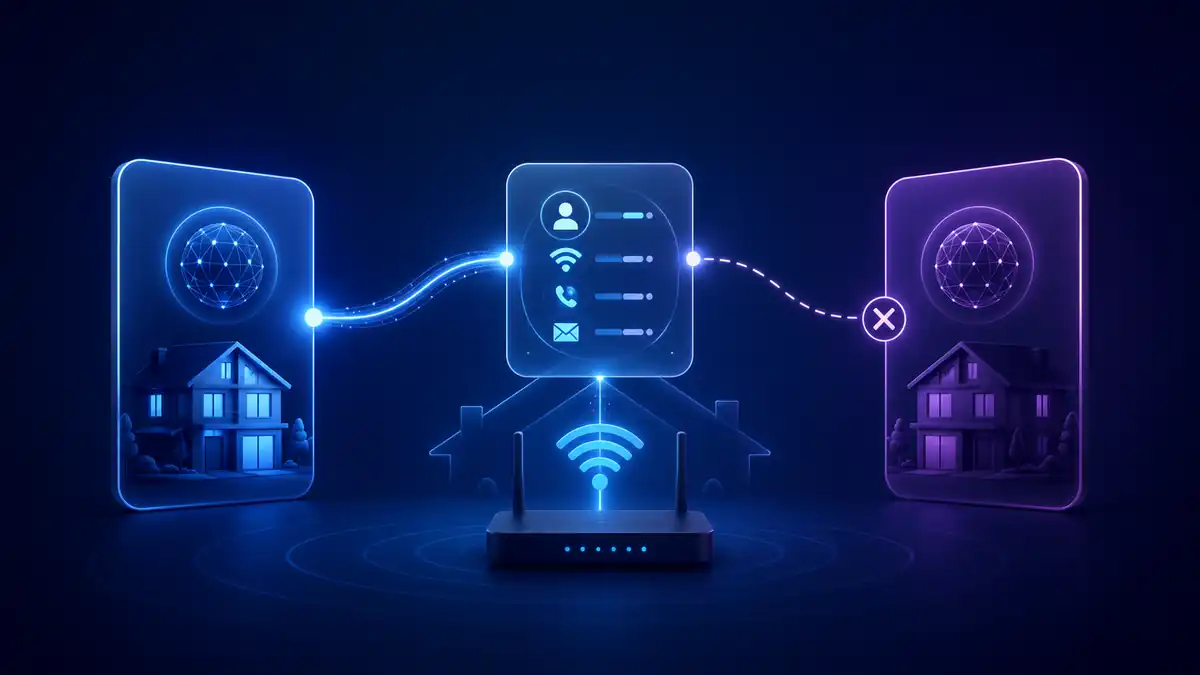
Switch process
How One Touch Switch works
The aim is to make switching quicker, easier and less likely to create a service gap. You normally contact the new provider, not the old provider, to start the broadband switch.
Choose a new provider
Check address availability, total monthly price, contract length, upload speed, installation needs and router quality.
Give your details
The new provider asks for your address, current provider and account details so the existing service can be identified through the switching system.
Read switching information
Your current provider should send charges, service impacts and other information to review before you confirm.
Confirm the switch
If the information looks right, confirm with the new provider and agree a switch date where possible.
New service goes live
The new provider manages activation and tells the old provider when the new service is working.
Check final billing
After the switch, check the final bill, equipment return instructions and any services that remain active.
Critical checkpoints before confirming your switch
Before authorising the new provider to complete the migration, check these four items:
Switching information received
Confirm that the current provider has sent the switching summary. Check email, SMS, your online account and junk folder. If nothing arrives, ask the new provider whether the service match completed successfully.
Minimum-term and exit-fee check
Compare the planned switch date with the contract end date. Moving before the minimum term ends can trigger a valid Early Termination Charge.
Phone-number port confirmed
Make sure the new order explicitly shows the number you want to keep. If the old service ends unexpectedly, contact the new provider immediately about the post-termination number-porting window.
Hardware return evidence saved
Photograph serial numbers, keep the return instructions and retain parcel tracking until the old provider confirms the equipment has been received.
When One Touch Switch may not be enough on its own
One Touch Switch covers most residential broadband and landline switches, but extra checks are still sensible if you have TV, mobile, provider email, business broadband, a home move, special equipment or deliberately want old and new services to overlap.