Hands-on security software comparison
Five antivirus suites tested for real UK home use
We installed and used Bitdefender, Norton, ESET, McAfee and F-Secure, comparing setup, everyday usability, scan behaviour, browser protection, bundled tools and the effect on normal broadband use.
Hands-on tested LinkSpeed Labs testing · JandATech Trading Ltd · Updated 10 October 2026
Quick answer
Best antivirus for UK homes in 2026
If you want the short version, these are the three products that stood out most in our hands-on testing for protection, usability and broadband impact.
- Best overallBitdefender Total Security — the strongest balance of protection, usability and household features.
- Best for familiesNorton 360 Deluxe — the most complete family bundle, with VPN, parental controls and PC cloud backup.
- Best lightweight choiceESET HOME Security Essential — our leanest-feeling option for users who care about responsive browsing, gaming and ping.
Do you actually need to pay? Windows 11 already includes Microsoft Defender and a firewall. A paid suite makes most sense when you want stronger cross-device management, extra web/scam protection, ransomware tools, VPN, backup, identity monitoring or parental controls.
Page index
Broadband security guide: jump to what you need
Understand the threats
Antivirus, malware, ransomware and phishing: what is the difference?
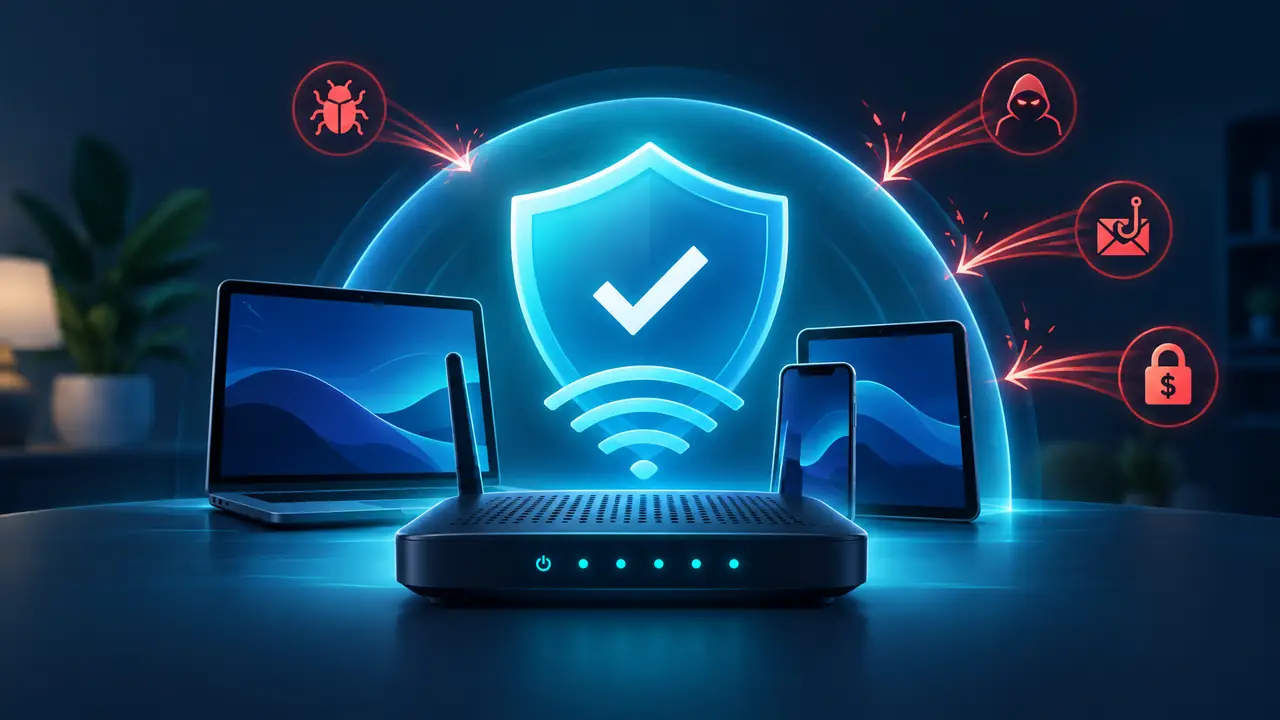
“Antivirus” is now a broad label. Modern security suites look for far more than traditional computer viruses, using real-time scanning, cloud reputation, behaviour monitoring and web filtering to block several classes of attack.
Windows Security
Do you need paid antivirus if Windows 11 includes Microsoft Defender?
For careful users, Microsoft Defender provides a credible baseline and modern independent testing shows that built-in Windows protection can perform very well. Paying for a third-party suite is therefore less about “having antivirus at all” and more about the extra protection and management you want around it.
Free vs paid antivirus: free protection can provide strong real-time malware defence, while paid suites mainly justify their cost through broader web/scam protection, multi-device management and bundled features such as VPN, backup, identity monitoring and family controls.
Different security layers
VPN vs antivirus: do you need both?
A VPN and antivirus solve different problems. Antivirus monitors files, applications, websites and device behaviour for malicious activity. A VPN encrypts network traffic between your device and a VPN server, which is useful on public or untrusted networks and changes the public IP address websites see.
A VPN does not make a malicious attachment safe, and antivirus does not replace an encrypted network tunnel. If privacy and network routing are your main concern, read the LinkSpeed VPN guide before paying for a security suite primarily because it includes a VPN.
Choose by requirement
How to choose antivirus software without overpaying
Fast comparison
Best antivirus software UK 2026: quick comparison
Advertisement · AffiliateAmazon links can earn LinkSpeed a commission at no extra cost to you. Prices, sellers, device counts and licence terms can change, so verify the listing before checkout.
| Product | LinkSpeed pick | Devices | Ransomware | VPN | Standout extras | Amazon UK |
|---|---|---|---|---|---|---|
| Bitdefender Total Security | Best Overall | Common licence: 5 devices | Yes | Included, but Total Security has a 200 MB/day/device allowance | Network Threat Prevention and web protection · Password Manager and data-breach detection | Check Price |
| Norton 360 Deluxe | Best for Families | 5 devices | Yes | Included | Scam Protection and password management · VPN for protected browsing on public Wi-Fi | Check Price |
| ESET HOME Security Essential | Best Lightweight Choice | Choose licence size at purchase | Yes | Not included on Essential | Anti-phishing and secured banking/browser mode · Webcam Protection and Microphone Monitor | Check Price |
| McAfee Total Protection | Best Multi-Device Value | Varies by licence; common 5-device bundles | Yes | Included on current Total Protection plans | Secure VPN for public and shared Wi-Fi · Scam Detector and identity monitoring | Check Price |
| F-Secure Internet Security | Best Simple Protection | 1, 3 and 5-device options are commonly offered | Yes | Not included | Browsing and banking protection · Family protection controls | Check Price |
LinkSpeed Labs recommendations
Our five antivirus and internet-security picks
All five products were installed and used in LinkSpeed Labs hands-on testing, carried out by JandATech Trading Ltd. Our scores combine what we found during setup and day-to-day use with current independent malware-testing evidence, feature coverage, licence value and suitability for a UK home network.
#1
Security suite
Best Overall
Premium
Bitdefender Total Security
Best for: Households wanting very strong malware protection with useful cross-platform extras.
JandATech Lab Review
4.8/5
A consistently strong all-round security suite with broad device protection, ransomware defence, web protection and a polished set of privacy tools.
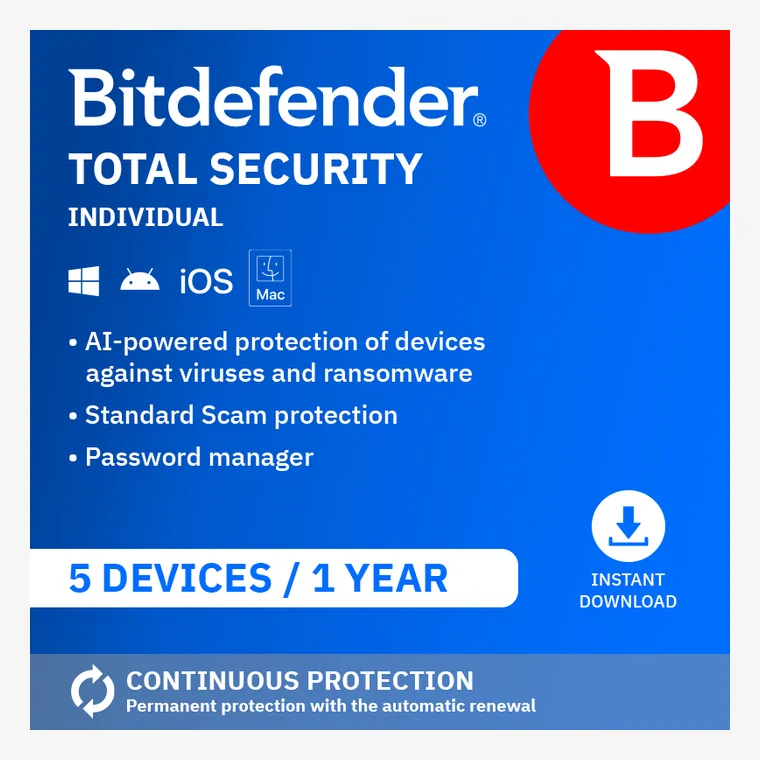
Why we shortlisted it: Shortlisted for its consistently strong protection, broad platform support and balanced mix of malware, ransomware, web and privacy tools.
Bitdefender is the most balanced all-rounder here for households that want strong protection without having to build a security stack from several separate products.
LinkSpeed Labs Test Notes
Hands-onIn our hands-on use, Bitdefender was straightforward to install and the main protection controls were easy to locate. Day-to-day browsing and LinkSpeed checks remained responsive with protection enabled; deeper scans naturally produced more noticeable system activity.
Broadband impactIn our wired before/during-scan checks, normal browsing, download responsiveness and ping behaviour stayed consistent enough that the extra load was felt more in local system activity than in the broadband connection itself.
Gaming & streamingRoutine real-time protection stayed unobtrusive during gaming and streaming use. We would still schedule deep scans outside competitive gaming sessions where every CPU and disk spike matters.
- Licence: Common licence: 5 devices
- Platforms: Windows, macOS, Android, iOS
- Ransomware protection: Included
- VPN: Included, but Total Security has a 200 MB/day/device allowance
Why We Recommend It
- Excellent all-round malware and ransomware protection
- Strong web, phishing and scam protection
- Password manager and breach-checking features
- Good fit for mixed-device households
Factors to Consider
- Included VPN allowance is limited on this tier
- Some premium privacy features sit above Total Security
- Renewal pricing can differ from introductory pricing
Key protection features
- Real-time protection against viruses, malware, ransomware, spyware and exploits
- Network Threat Prevention and web protection
- Password Manager and data-breach detection
- Multi-platform protection for Windows, macOS, Android and iOS
Watch out: If unlimited VPN use is important, compare the higher Bitdefender bundles or a separate VPN rather than assuming Total Security includes unrestricted VPN traffic.
#2
Security suite
Best for Families
Premium
Norton 360 Deluxe
Best for: Families wanting antivirus, VPN, parental controls and cloud backup in one subscription.
JandATech Lab Review
4.7/5
A feature-rich family security package covering five devices, with antivirus, ransomware protection, VPN, dark-web monitoring, parental controls and cloud backup.
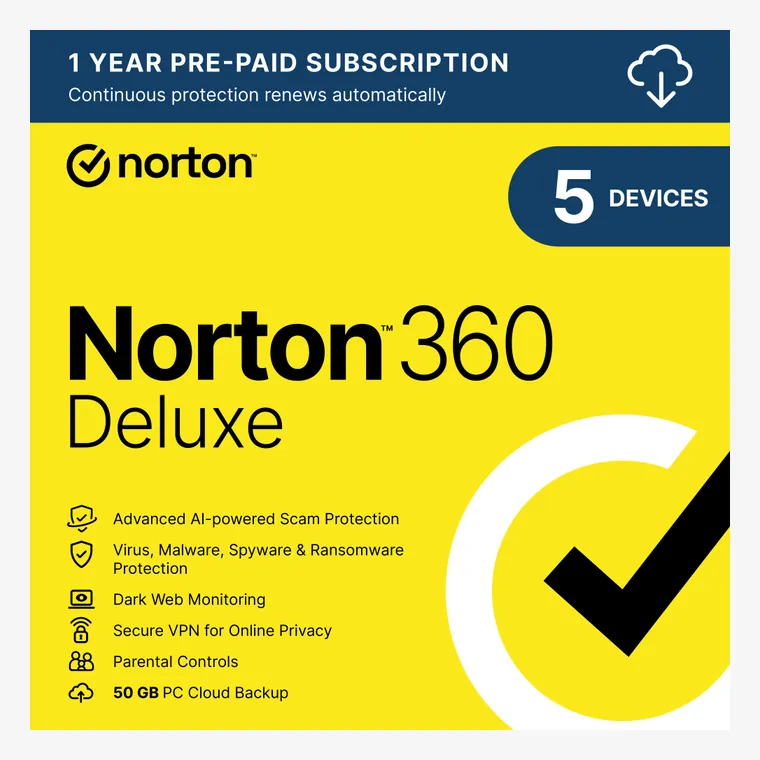
Why we shortlisted it: Shortlisted for its unusually complete family bundle, combining antivirus, ransomware protection, VPN, parental controls, monitoring and cloud backup.
Norton makes the strongest case when several family devices need one subscription and you will genuinely use the extra privacy, parental-control and backup features.
LinkSpeed Labs Test Notes
Hands-onIn our hands-on use, Norton exposed more features and prompts than the lighter suites, but the dashboard made the main antivirus, VPN, backup and family tools easy to find once configured. It is best suited to households that will actually use those extras.
Broadband impactWith real-time protection active, routine browsing and LinkSpeed latency checks remained stable in our use. The heavier impact came from the extra background features and full scans rather than from obvious broadband throughput loss.
Gaming & streamingStreaming and normal gameplay remained usable with protection active, but Norton runs more background features than the leanest suites. For latency-sensitive play, avoid starting a full scan mid-session.
- Licence: 5 devices
- Platforms: Windows, macOS, Android, iOS
- Ransomware protection: Included
- VPN: Included
Why We Recommend It
- Strong all-in-one feature set for households
- VPN and password manager included
- Parental controls and dark-web monitoring
- 50 GB PC cloud backup can add ransomware resilience
Factors to Consider
- Renewal price can be much higher than the introductory deal
- Large feature set can be more than a single-device user needs
- Cloud backup benefits are mainly aimed at PCs
Key protection features
- Antivirus, malware, ransomware and hacking protection
- Scam Protection and password management
- VPN for protected browsing on public Wi-Fi
- Parental Control, Dark Web Monitoring and 50 GB PC Cloud Backup
Watch out: Check the renewal price shown at checkout. Norton frequently discounts the first term, so compare the first-year cost with the ongoing subscription before buying.
#3
Security suite
Best Lightweight Choice
Mid-range
ESET HOME Security Essential
Best for: Users who want strong core protection, safe banking and home-network security without an overloaded suite.
JandATech Lab Review
4.6/5
A focused, low-friction security package with antivirus, ransomware protection, anti-phishing, safe banking and useful smart-home/network checks.
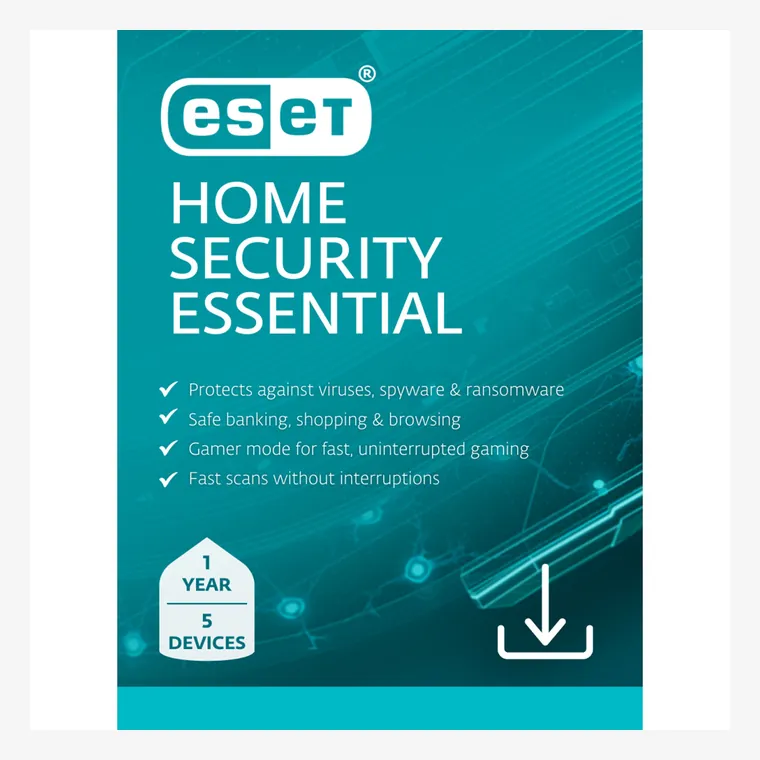
Why we shortlisted it: Shortlisted for strong core protection, a light system footprint and useful banking, phishing and home-network security tools without an oversized bundle.
ESET is a particularly good fit for users who value focused security and network visibility more than a long list of bundled lifestyle extras.
LinkSpeed Labs Test Notes
Hands-onIn our hands-on use, ESET felt the leanest and least cluttered of the five. Installation was quick, the protection status was clear and routine browsing and connection testing remained unobtrusive while protection was active.
Broadband impactESET was the least intrusive during our normal broadband-use checks: web pages, downloads and ping testing remained responsive, and the suite created less noticeable background activity than the more feature-heavy packages.
Gaming & streamingESET was our strongest fit for gaming-focused systems because its background footprint stayed light in normal use. Its focused interface also makes it easier to keep unnecessary extras out of the way.
- Licence: Choose licence size at purchase
- Platforms: Windows, macOS, Android
- Ransomware protection: Included
- VPN: Not included on Essential
Why We Recommend It
- Strong core malware and ransomware protection
- Safe Banking and Safe Browsing tools
- Anti-phishing, webcam and microphone protection
- Useful network and smart-home security features
Factors to Consider
- VPN is reserved for higher ESET tiers
- Less of an all-in-one identity bundle than some rivals
- Amazon listings may be Marketplace rather than Amazon-sold
Key protection features
- Real-time antivirus, antispyware and ransomware shield
- Anti-phishing and secured banking/browser mode
- Webcam Protection and Microphone Monitor
- Firewall, Wi-Fi and home-network vulnerability checks
Watch out: ESET has several HOME Security tiers. Check that the Amazon listing says Essential if that is the package you want, and match the licence to the number of devices and years required.
#4
Security suite
Best Multi-Device Value
Value
McAfee Total Protection
Best for: Households wanting inexpensive multi-device coverage with VPN, scam protection and identity monitoring.
JandATech Lab Review
4.5/5
Broad security coverage with antivirus, VPN, scam detection and identity-monitoring features, often sold on Amazon in aggressively priced multi-device bundles.
Why we shortlisted it: Shortlisted for its broad multi-device coverage, bundled VPN and scam protection, and frequent value-focused licence options for households.
McAfee is most compelling when price per protected device matters and you want antivirus, web protection, VPN and identity features under one account.
LinkSpeed Labs Test Notes
Hands-onIn our hands-on use, McAfee was easy to get running and placed scam, identity and privacy features prominently alongside core antivirus protection. The main thing to watch is the number of bundled features and subscription prompts when you only need straightforward malware protection.
Broadband impactMcAfee did not create an obvious line-speed bottleneck in our routine checks, although background activity and bundled services were more noticeable than with ESET. We would still re-test speed and latency after enabling its VPN or extra web filtering.
Gaming & streamingNormal streaming and gaming were fine with core protection enabled, but the broader bundle creates more background activity than lighter suites. Keep full scans and VPN testing separate from competitive play.
- Licence: Varies by licence; common 5-device bundles
- Platforms: Windows, macOS, Android, iOS
- Ransomware protection: Included
- VPN: Included on current Total Protection plans
Why We Recommend It
- Good value on many multi-device Amazon licences
- VPN, web protection and identity monitoring included
- Scam protection targets fake messages and risky sites
- Password manager and firewall tools add useful layers
Factors to Consider
- Many similar licence variants can make comparison confusing
- Automatic renewal terms deserve careful checking
- Some identity features vary by plan and country
Key protection features
- Antivirus and web protection
- Secure VPN for public and shared Wi-Fi
- Scam Detector and identity monitoring
- Password manager, firewall and privacy-cleanup tools
Watch out: Amazon carries several McAfee variants with different device counts and term lengths. Compare the exact number of devices, subscription period and auto-renewal wording before checkout.
#5
Security suite
Best Simple Protection
Premium
F-Secure Internet Security
Best for: Users who want a clean antivirus package focused on malware, ransomware, phishing and safer banking.
JandATech Lab Review
4.4/5
A straightforward European security product with malware protection, anti-ransomware tools, web protection and banking security in a simple, easy-to-use package.
Why we shortlisted it: Shortlisted for a clean interface, strong core protection and a simple feature set focused on malware, ransomware, phishing and banking security.
F-Secure Internet Security suits users who want a simpler security product with strong core protection and fewer distractions than the heaviest all-in-one suites.
LinkSpeed Labs Test Notes
Hands-onIn our hands-on use, F-Secure Internet Security had one of the simplest interfaces in the group. Core protection, web checks and banking protection were easy to understand without the heavier collection of account and privacy extras found in some rival suites.
Broadband impactDuring normal browsing, download and ping checks, F-Secure remained unobtrusive and we did not see a material day-to-day connection slowdown attributable to the core protection layer.
Gaming & streamingF-Secure is a good fit for gaming and streaming households that want fewer interruptions. Its gaming mode can reduce distractions while the core protection remains active.
- Licence: 1, 3 and 5-device options are commonly offered
- Platforms: Windows, macOS, Android, iOS
- Ransomware protection: Included
- VPN: Not included
Why We Recommend It
- Simple interface and uncluttered feature set
- Strong malware, ransomware and phishing protection
- Banking protection helps safeguard payments and logins
- Lighter feature set can suit users who dislike bloated suites
Factors to Consider
- Amazon stock and licence variants can be less consistent than bigger brands
- Does not bundle the broader privacy extras found in some premium suites
- Fewer advanced tuning controls than enthusiast-oriented suites
Key protection features
- Virus, malware and ransomware protection
- Browsing and banking protection
- Family protection controls
- Gaming mode for fewer interruptions
Watch out: Amazon can show several F-Secure licence variants. Confirm the device count, term length and that the listing is specifically for Internet Security before you buy.
LinkSpeed / JandATech hands-on testing
How we tested the antivirus suites
We installed and used each product as a normal UK household would rather than scoring products from specification sheets alone. Testing was carried out by JandATech Trading Ltd for LinkSpeed, with a specific focus on whether security software interferes with the broadband experience as well as whether it is easy to install and manage.
Our broadband-impact protocol: on the same wired test connection and test device, we compare a clean baseline with protection enabled and again while a full scan is running. We repeat the LinkSpeed speed test, ping test and normal browsing/download checks, looking for changes in throughput, idle latency, loaded latency and responsiveness. We only publish precise figures where we have retained a repeatable measurement set; otherwise we describe the observed impact qualitatively rather than inventing numbers.
Installation & setupInstallation, account activation, initial updates, prompts and how clearly each suite explains the protection it enables.
Scanning & responsivenessAvailable scan modes, obvious slowdowns, intrusive prompts and interface responsiveness while protection is active.
Web & scam protectionBrowser protection, phishing and scam controls, banking or shopping modes, and the clarity of security warnings.
Broadband impactWired baseline versus protection-on and full-scan runs, checking throughput, idle ping, loaded latency and real browsing responsiveness.
Useful extrasVPN, parental controls, backup, password, identity and device-management features where they are included.
Value & ownershipLicence size, subscription length, renewal wording and whether the package makes sense for a typical UK household.
How the score is formed: the JandATech Lab score reflects our hands-on experience with the software, then cross-checks that experience against current independent security-test evidence. Protection quality carries the most weight, followed by usability, performance impact, useful features and value.
Purchase funnel
Before you buy antivirus: six checks that prevent the wrong subscription
1. Count devicesInclude PCs, Macs, phones and tablets that genuinely need coverage.
2. Check the exact product tier“Essential”, “Total”, “Deluxe” and “Premium” can include very different features.
3. Confirm subscription lengthCheck whether the deal is 12, 15, 24 or more months and when the licence starts.
4. Read auto-renewal termsRecord the renewal price and set a reminder before the renewal date if you prefer to compare again.
5. Remove the old suiteBefore enabling another real-time antivirus, uninstall or disable the previous third-party security suite.
6. Update and scanAfter installation, update signatures/components, enable browser protection and run an initial scan.
Layered home security
Antivirus is only one layer of broadband security
- Keep Windows, macOS, phones, browsers and apps patched.
- Use unique passwords and multi-factor authentication.
- Update router firmware and change default admin credentials.
- Keep important files in versioned or offline backups.
- Treat unexpected attachments, QR codes and login links cautiously.
- Use a VPN on untrusted networks when appropriate, but do not treat it as antivirus.
- Use separate accounts for children and apply parental controls where useful.
- Check your broadband and Wi-Fi performance separately from security software issues.
People also ask
Antivirus and broadband security FAQs
Do I still need antivirus on Windows 11?
Windows 11 includes Microsoft Defender and other useful security layers. Paid antivirus is most compelling when you want additional phishing/scam protection, ransomware tools, multi-device management, VPN, identity monitoring, backup or family controls.
Does antivirus stop ransomware?
It can block many ransomware attacks through real-time detection, behaviour monitoring and web protection, but no security product is a substitute for backups. Keep important files somewhere an attacker cannot easily encrypt with the PC.
Is antivirus the same as a VPN?
No. Antivirus protects the device against malicious software and risky content. A VPN encrypts network traffic to a VPN server. They complement each other rather than replacing one another.
Can I use antivirus and a VPN together?
Yes. Many suites in this guide include a VPN, and a separate VPN can normally run alongside antivirus. If two products both install web or network filters, test performance and disable duplicate features if they conflict.
Can I run two antivirus programs at the same time?
Two full real-time antivirus suites are usually not recommended. They can scan the same files, conflict with each other's drivers and waste system resources. Keep one primary real-time product.
Will antivirus slow down my broadband?
Usually the effect is on the device rather than the line. Real-time scanning uses CPU and disk resources; web filtering adds a small processing layer; and an included VPN may reduce throughput or increase latency. Use the LinkSpeed broadband speed test with and without the VPN if performance changes after installation.
Which antivirus is best for ransomware protection?
All five recommendations include ransomware protection. Bitdefender is our strongest overall pick, while Norton adds cloud backup and ESET offers a focused ransomware shield within a lighter package. Whatever you choose, maintain separate backups.
Do Macs need antivirus?
macOS includes several built-in protections, but Macs can still encounter malicious software, phishing and credential theft. A third-party suite can make sense when you want consistent protection across a mixed Windows/Mac household or extra web, scam and privacy tools.
Should I buy antivirus from Amazon?
Amazon can offer competitively priced digital or boxed licences, but check the seller, exact product tier, device count, subscription length, region and auto-renewal terms. The buttons on this page use Amazon searches because listings change frequently.
Continue through Home Networking