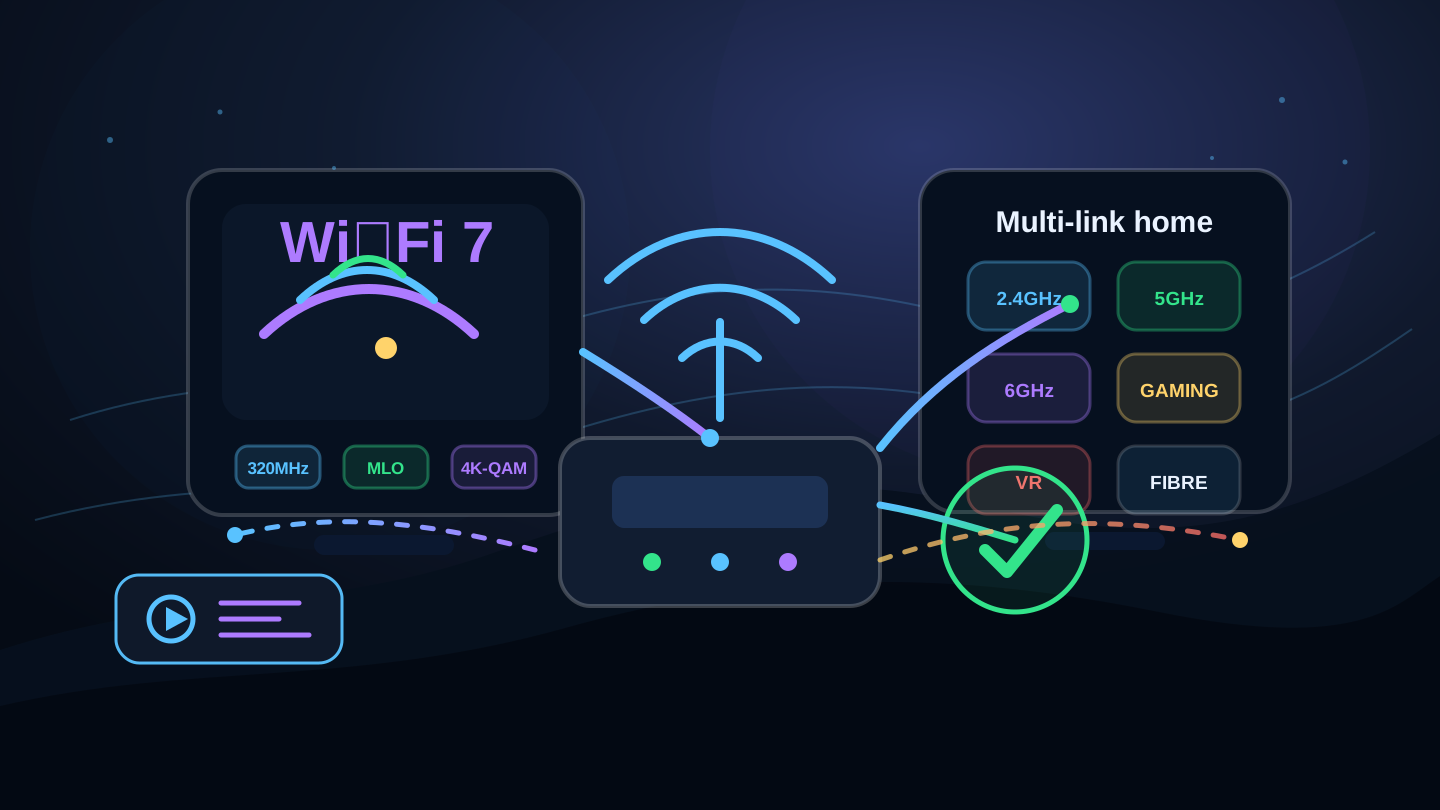
The big Wi‑Fi 7 features
Wi‑Fi 7 is designed for higher throughput and lower delay on compatible routers and devices. The marketing names can sound technical, but the practical idea is simple: use spectrum more efficiently, move more data at once and handle busy networks better.
Multi-Link Operation
MLO lets compatible devices use more than one Wi‑Fi link more intelligently. This can improve responsiveness and reliability where the router and device support it.
320 MHz channels
Wi‑Fi 7 can use wider channels where spectrum, regulation, router and device support allow. Wider channels can move more data in strong signal conditions.
4K-QAM
4K-QAM packs more data into each transmission when signal quality is good. It is most useful close to the router or mesh node.
6 GHz support
Like Wi‑Fi 6E, Wi‑Fi 7 can use the cleaner 6 GHz band on compatible equipment. Range is usually shorter than lower bands.
Lower latency potential
Useful for gaming, VR, cloud gaming, remote desktop and video calls, but real-world performance still depends on signal, router and broadband quality.
Better busy-home capacity
Wi‑Fi 7 can help homes with many devices, heavy downloads, full fibre, mesh Wi‑Fi and simultaneous streaming or gaming.
Wi‑Fi 7 versus Wi‑Fi 6E and Wi‑Fi 6
| Version | Best practical use | Main limitation | Upgrade priority |
|---|---|---|---|
| Wi‑Fi 5 | Older devices, basic browsing, HD streaming and modest broadband packages. | Less efficient in busy homes and more likely to bottleneck fast full fibre. | Upgrade if coverage or speed is poor. |
| Wi‑Fi 6 | Busy homes with lots of devices, streaming, gaming and working from home. | No 6 GHz unless using Wi‑Fi 6E; may not show full gigabit speeds everywhere. | Good modern baseline. |
| Wi‑Fi 6E | Cleaner short-range 6 GHz performance on compatible devices. | 6 GHz range is shorter and needs compatible hardware. | Good if you already have 6E devices. |
| Wi‑Fi 7 | Fast full fibre, newer phones/laptops, mesh systems, gaming, creators and heavy home networks. | Requires Wi‑Fi 7 router and client devices for the main benefits. | Best for new premium upgrades. |
Do you need Wi‑Fi 7?
You do not need Wi‑Fi 7 just because it exists. Many homes will be perfectly happy with Wi‑Fi 6, especially on mid-range broadband packages. Wi‑Fi 7 becomes more interesting when the wireless network is the thing holding your broadband back.
Worth considering
You have gigabit full fibre, new Wi‑Fi 7 devices, a busy home, mesh nodes, gaming, VR or large local transfers.
Probably not urgent
Your broadband is under 100 Mbps, your Wi‑Fi is stable and your devices are mostly older Wi‑Fi 5 or Wi‑Fi 6 models.
Fix Wi‑Fi first
If one room is poor, router placement, Ethernet, mesh layout or access points may help more than chasing the latest standard.
Check the whole chain
Router, device, broadband package, Wi‑Fi band, wall thickness and interference all affect the result.
When Wi‑Fi 7 helps most
- Fast full fibre: older Wi‑Fi can bottleneck gigabit packages before the broadband line is fully used.
- Modern devices: newer phones, laptops and adapters can use Wi‑Fi 7 features when paired with a Wi‑Fi 7 router.
- Mesh systems: Wi‑Fi 7 can improve backhaul and device handling where the mesh kit supports it.
- Gaming and VR: lower wireless delay can help, especially with strong signal and a well-configured router.
- Busy households: many devices streaming, uploading, gaming and downloading at once create pressure on older Wi‑Fi.
- Local network transfers: moving large files to a NAS or another device can benefit even when broadband speed is unchanged.
When Wi‑Fi 7 will not fix the problem
Wi‑Fi 7 will not fix a slow broadband package, a provider outage, poor full-fibre availability, damaged cabling, an overloaded streaming service or a device with an old Wi‑Fi adapter. It also will not beat physics: thick walls, distance and poor placement still matter.
For the best diagnosis, test over Ethernet, then test Wi‑Fi close to the router and in the room where the problem happens. If the big drop only appears over Wi‑Fi, a router or mesh upgrade is more likely to help.