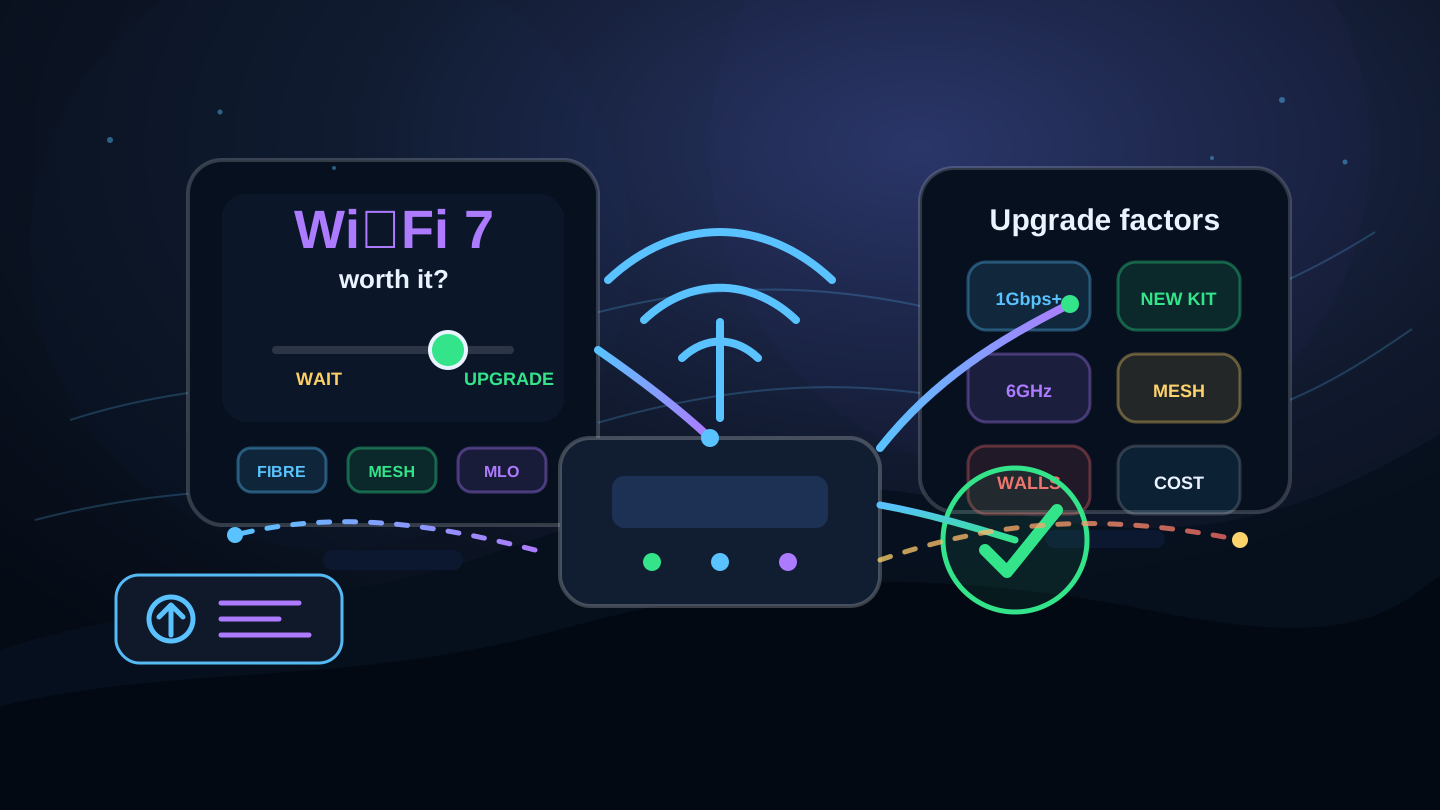
Wi‑Fi 7 upgrade decision table
Use this table to decide whether Wi‑Fi 7, Wi‑Fi 6 mesh, Ethernet or a broadband upgrade is more likely to solve the real problem.
| Your situation | Is Wi‑Fi 7 worth it? | Best next step |
|---|---|---|
| You have gigabit full fibre and newer devices | Often yes | Compare Wi‑Fi 7 routers or mesh, especially if Wi‑Fi is now the bottleneck. |
| Your broadband package is under 100 Mbps | Usually no | Upgrade broadband first if the line is the limiting factor. |
| One room has weak signal | Not necessarily | Improve router placement, use Ethernet, add mesh or fit an access point. |
| Most devices are Wi‑Fi 5 or Wi‑Fi 6 | Maybe later | Wi‑Fi 7 router benefits will be limited until client devices catch up. |
| You are buying a premium mesh system | Often worth considering | Wi‑Fi 7 can give better headroom and longer useful life. |
| You mainly browse, email and stream one TV | Usually overkill | A good Wi‑Fi 6 router or basic mesh may be better value. |
| Gaming or VR suffers over Wi‑Fi | Potentially useful | Try Ethernet first, then test ping, jitter, packet loss and loaded latency. |
| Busy home with many simultaneous users | Often useful | Look for a strong router, mesh backhaul, good QoS/SQM and enough broadband capacity. |
Wi‑Fi 7 is worth it if...
Fast full fibre
Gigabit and faster packages can expose limits in older Wi‑Fi, especially on laptops, phones and mesh backhaul.
Wi‑Fi 7 devices
The biggest gains need both a Wi‑Fi 7 router and compatible client devices.
Busy household
Many devices streaming, gaming, uploading and working at once can benefit from newer Wi‑Fi capacity.
Premium mesh
Wi‑Fi 7 can be attractive when buying a mesh system intended to last several years.
Large downloads
Game updates, file transfers, NAS backups and creators can benefit from faster local wireless speeds.
Latency-sensitive use
Gaming, VR, remote desktop and calls can benefit from a stronger wireless link, although Ethernet remains best.
Wi‑Fi 7 may not be worth it yet if...
Your line is slow
A Wi‑Fi 7 router cannot make a 60 Mbps broadband line behave like full fibre.
Devices are older
Older devices will still connect, but they will use their own Wi‑Fi generation.
Coverage is the issue
Thick walls, distance and poor placement can still hurt Wi‑Fi 7, especially on higher-frequency bands.
You only stream one TV
Basic browsing and one stream at a time rarely need the newest premium router.
Budget matters most
A good Wi‑Fi 6 mesh system can be a better-value fix for many homes.
Ethernet is practical
For a fixed gaming PC, work desk or TV, Ethernet can beat any Wi‑Fi upgrade for reliability.
Wi‑Fi 7 versus Wi‑Fi 6 and Wi‑Fi 6E
Wi‑Fi 7 brings features such as Multi-Link Operation, wider channel support, 4K-QAM and better high-speed headroom. Wi‑Fi 6 and Wi‑Fi 6E are still good choices for many homes, especially where the broadband package, device mix or budget does not justify premium Wi‑Fi 7 hardware.
| Option | Best for | Value verdict |
|---|---|---|
| Wi‑Fi 6 router | General homes, modest full fibre, streaming and working from home. | Strong value baseline. |
| Wi‑Fi 6 mesh | Homes with coverage problems and older devices. | Often the best-value coverage fix. |
| Wi‑Fi 6E | Compatible 6 GHz devices close to the router or mesh node. | Useful if you already own 6E devices. |
| Wi‑Fi 7 router | Fast full fibre, Wi‑Fi 7 devices and high-speed wireless near the router. | Worth it for premium speed headroom. |
| Wi‑Fi 7 mesh | Large busy homes, premium mesh, full fibre and future-proofing. | Best premium option, but check cost. |
What to check before buying Wi‑Fi 7
- Check your broadband speed. If your package is slow, a Wi‑Fi 7 router will not change the line speed.
- Check your device support. Look for Wi‑Fi 7 support on the phone, laptop, PC adapter or tablet you care about.
- Run Ethernet and Wi‑Fi tests. This separates broadband problems from wireless problems.
- Test the problem room. Higher Wi‑Fi speeds close to the router do not guarantee better coverage through thick walls.
- Check port speeds. A premium router with 2.5GbE or faster ports may matter for gigabit-plus broadband and wired devices.
- Think about mesh backhaul. In larger homes, a good mesh layout may matter more than the router label.
- Check latency under load. Gaming and calls may need better traffic management, not just a faster Wi‑Fi standard.
- Compare total cost. A Wi‑Fi 6 mesh, extra access point or Ethernet cable can be better value.