Loss of optical signal
LOS or optical warnings can indicate the fibre signal is missing or impaired.
This guide helps you validate full fibre faults by checking ONT lights such as power, PON, LOS, optical, LAN and service indicators before contacting your provider.
Full fibre validation guide
This guide helps you validate full fibre faults by checking ONT lights such as power, PON, LOS, optical, LAN and service indicators before contacting your provider.
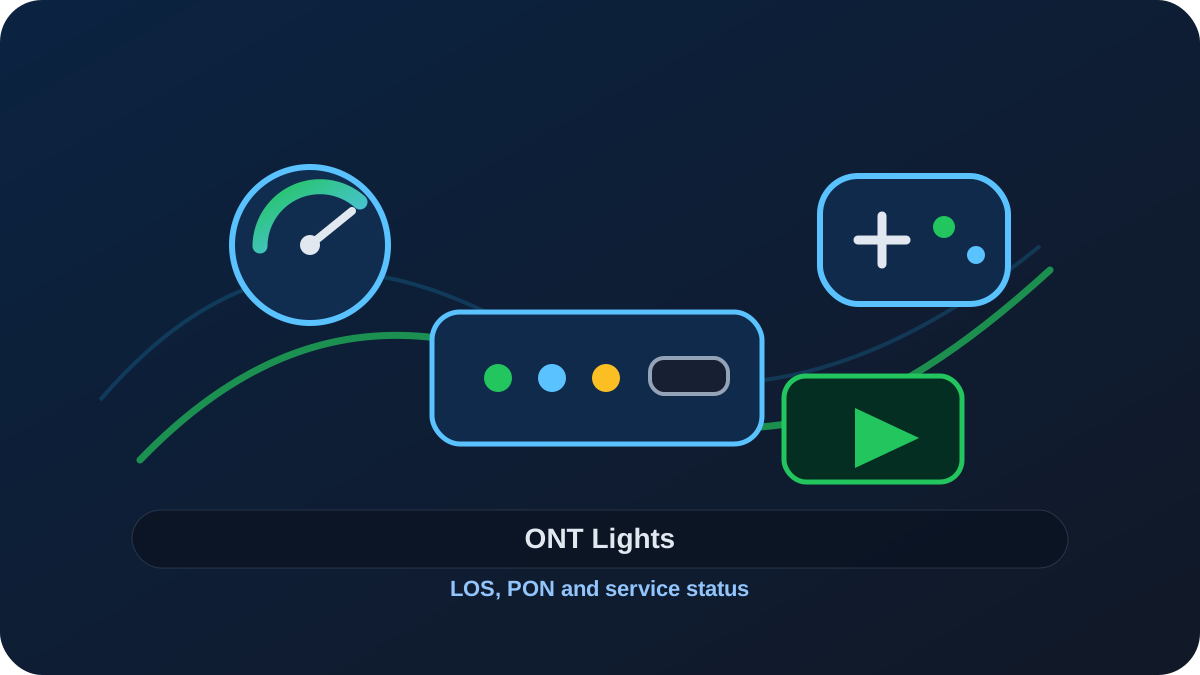
Issue
Use these signs to confirm that this is the closest matching issue before changing settings, replacing equipment or contacting your provider.
Likely causes
The same symptom can have several different causes. Start with the causes below, then use the validation steps to prove which one is most likely.
LOS or optical warnings can indicate the fibre signal is missing or impaired.
No power or unstable power prevents the ONT from serving the router.
A loose or faulty Ethernet cable between ONT and router can look like no internet.
A service may not be activated or authenticated correctly.
Full fibre faults can happen outside the property and need provider repair.
Validate
Work through these checks in order. Change one thing at a time so the result tells you something useful.
Check ONT power first.
Look for LOS/optical/PON/service light status and write it down.
Check the Ethernet cable from ONT to router WAN port.
Restart router only first, then ONT only if your provider instructions allow it.
Test whether devices can connect to router Wi‑Fi even when the internet is down.
Check provider status and installation/activation messages.
Fix
Apply the fix that matches the cause you validated. If the issue is proven outside your home network, gather evidence before contacting your provider.
Fibre cables are fragile; avoid unplugging optical leads unless instructed.
Check ONT power and router WAN Ethernet before assuming a provider fault.
Tell your provider the exact ONT light state, router state and whether Wi‑Fi is still broadcasting.
LOS/optical faults usually require provider or network operator action.